webOS TV Homebrew Library
The library
Every app below was checked on 16 Nov 2026: its IPK file exists and downloads. Only open source and community made apps. No cracked apps, no paid apps, no piracy – ever. Tap any card for the full details.
All apps
Search, filter, or sort. Your favourites and downloads are saved on this device only.
Games – 15 – Launchers – 4 – Media – 12 – Streaming – 30 – Tools – 6
My webOS version – find it on your TV

Stremio for webOS
Verified – v1.0.5 – 14 KB StreamingA small native app that opens Stremio on your LG TV. Sign in with your Stremio account to browse your library and addons, then watch on the big screen.
Source: github.com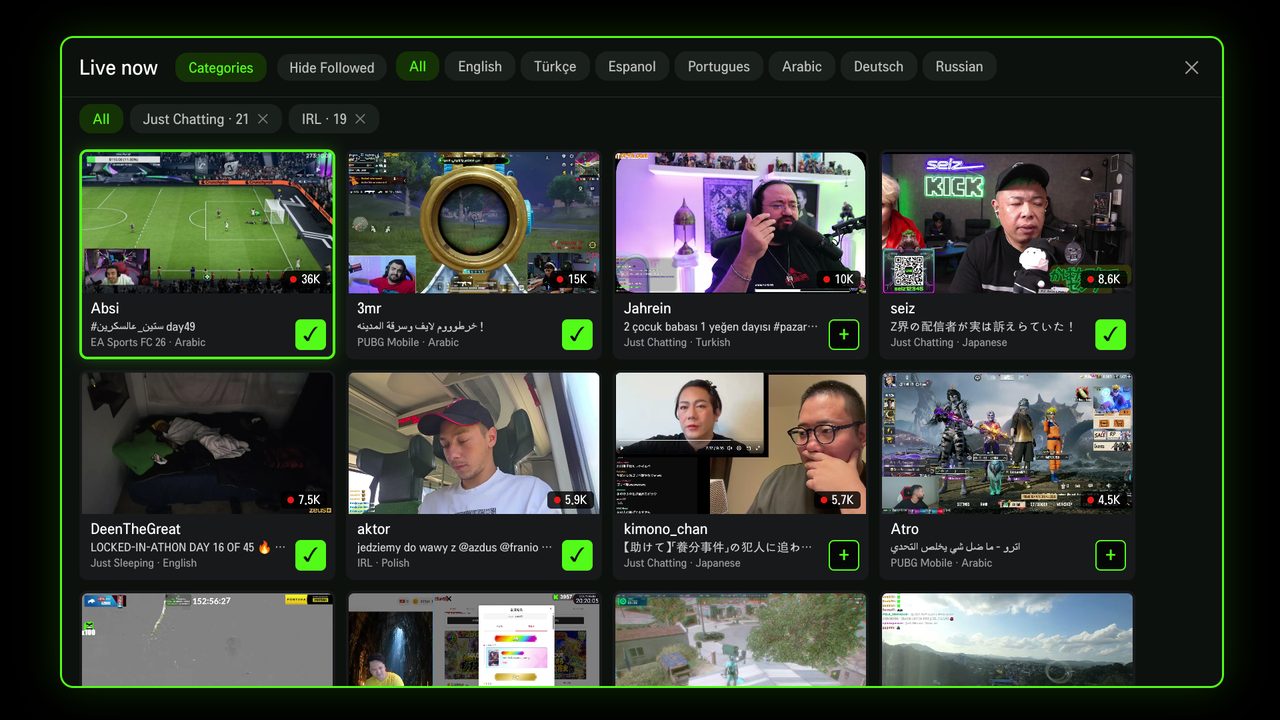

Kick TV
Verified – v1.6.2 – 316 KB StreamingWatch Kick livestreams on your LG TV. It opens on your last stream and keeps your channels in a sidebar, with live status and viewer counts, and no sign-in needed.
Source: github.com
30nama for webOS
Verified – v1.0.0 – 583 KB StreamingUnofficial client for the Persian streaming service 30nama on LG TVs. Browse and watch movies and shows with QR sign-in, a remote-friendly layout and seek previews.
Source: github.com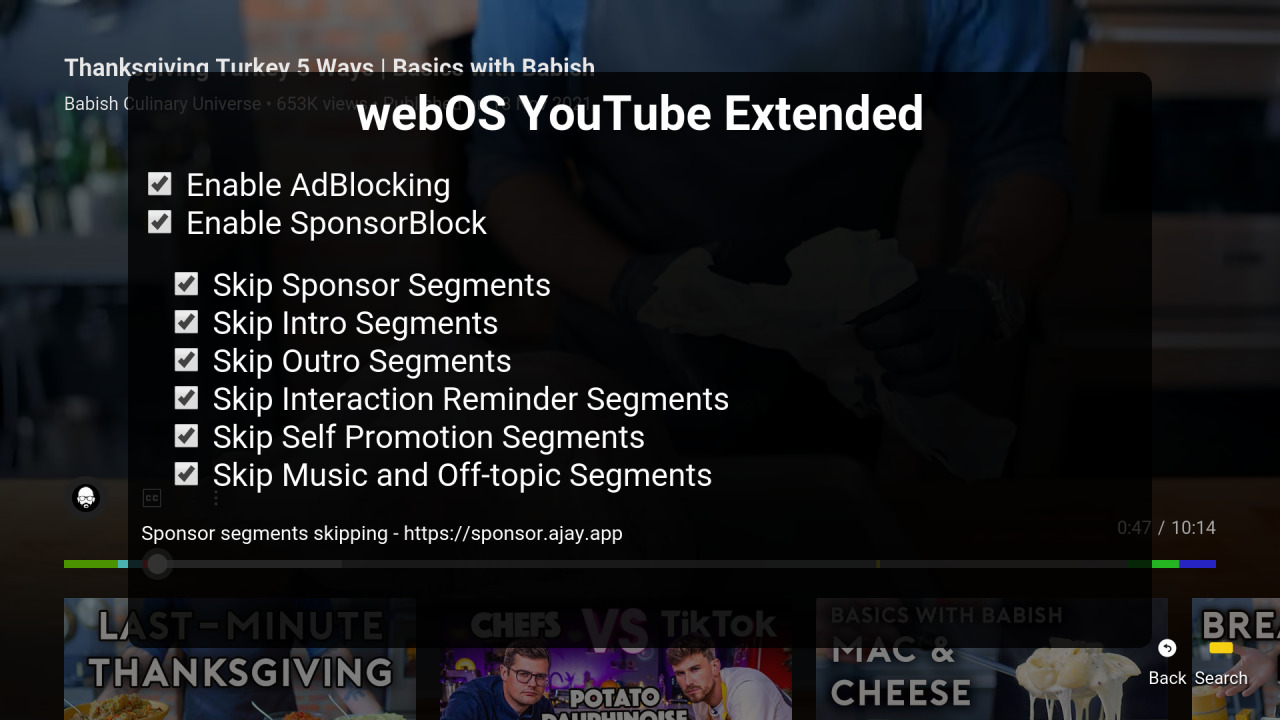

YouTube AdFree
Verified – v0.9.2 – 176 KB Streaming NEWYouTube for webOS with ad blocking, SponsorBlock, Return YouTube Dislike and DeArrow built in. Programmable remote shortcuts, feed filters and playback-speed control. Uninstall the stock YouTube app first, then enjoy videos without ads or sponsored segments. Do not update it from the default repo – its Update button would revert it to 0.5.3.
Source: github.com
LG IPTV
Verified – v1.0.32 – 9.6 MB StreamingA fast, lightweight IPTV player for LG TVs. Load your own playlist and watch live channels with a simple remote-friendly guide.
Source: github.com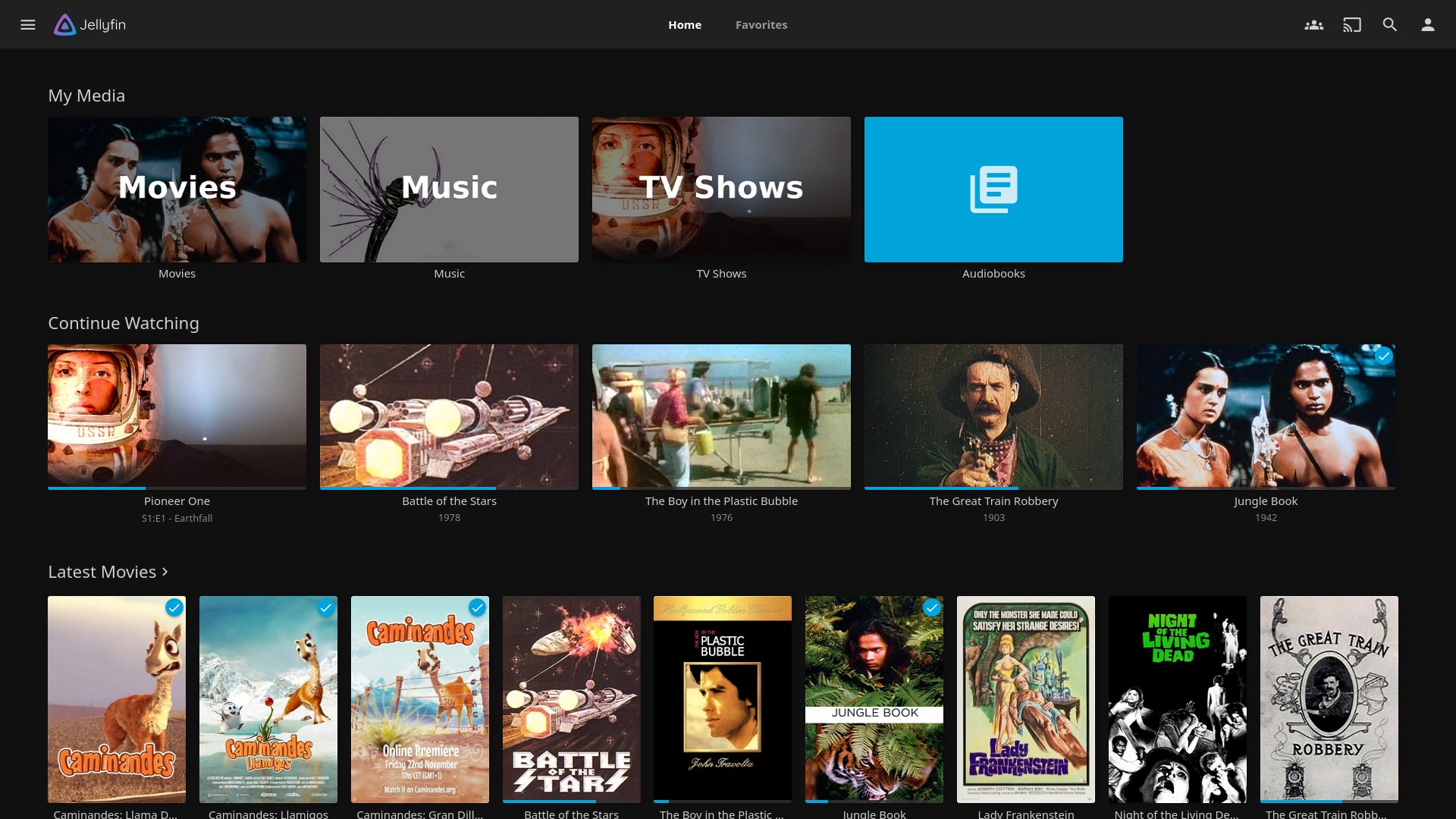

Jellyfin
Verified – v1.2.2 – 158 KB MediaThe official Jellyfin client for webOS. Connect it to your own Jellyfin media server and stream your movies, shows and music on the TV.
Source: github.com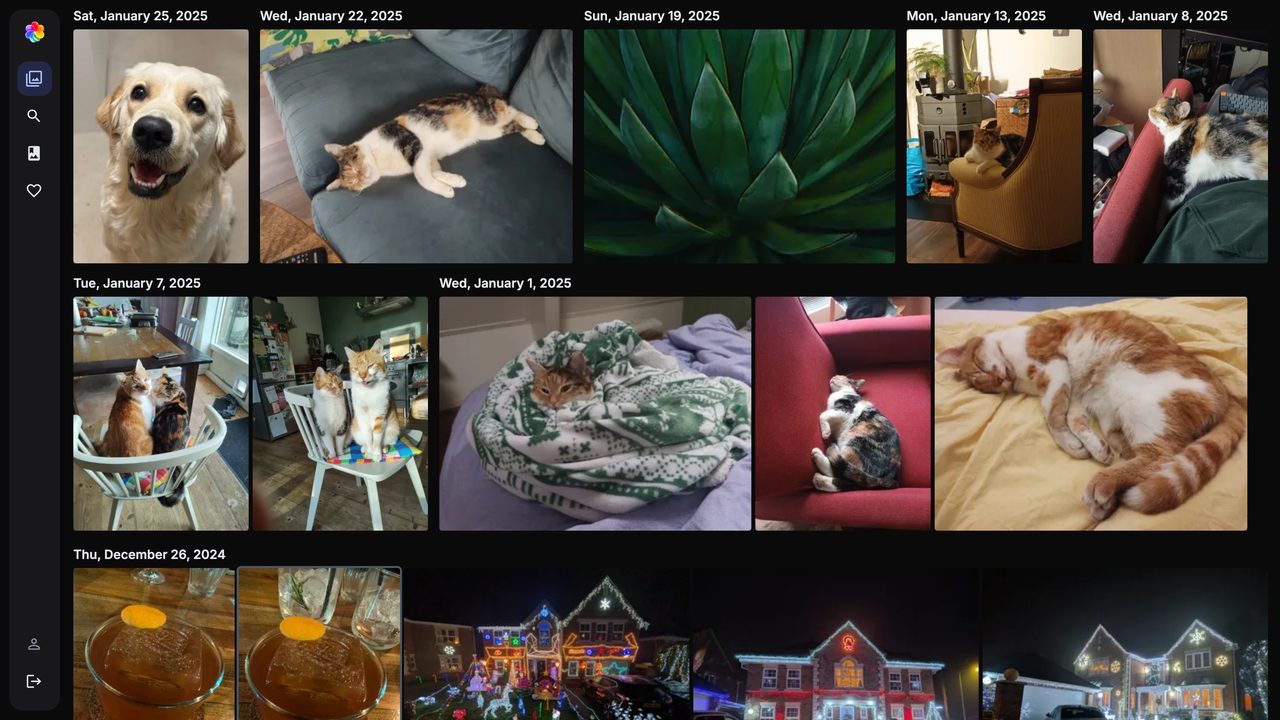

Immich for webOS
Verified – v0.15.3 – 891 KB MediaBrowse your self-hosted Immich photo and video library on the TV. View albums and run a fullscreen slideshow from the couch.
Source: github.com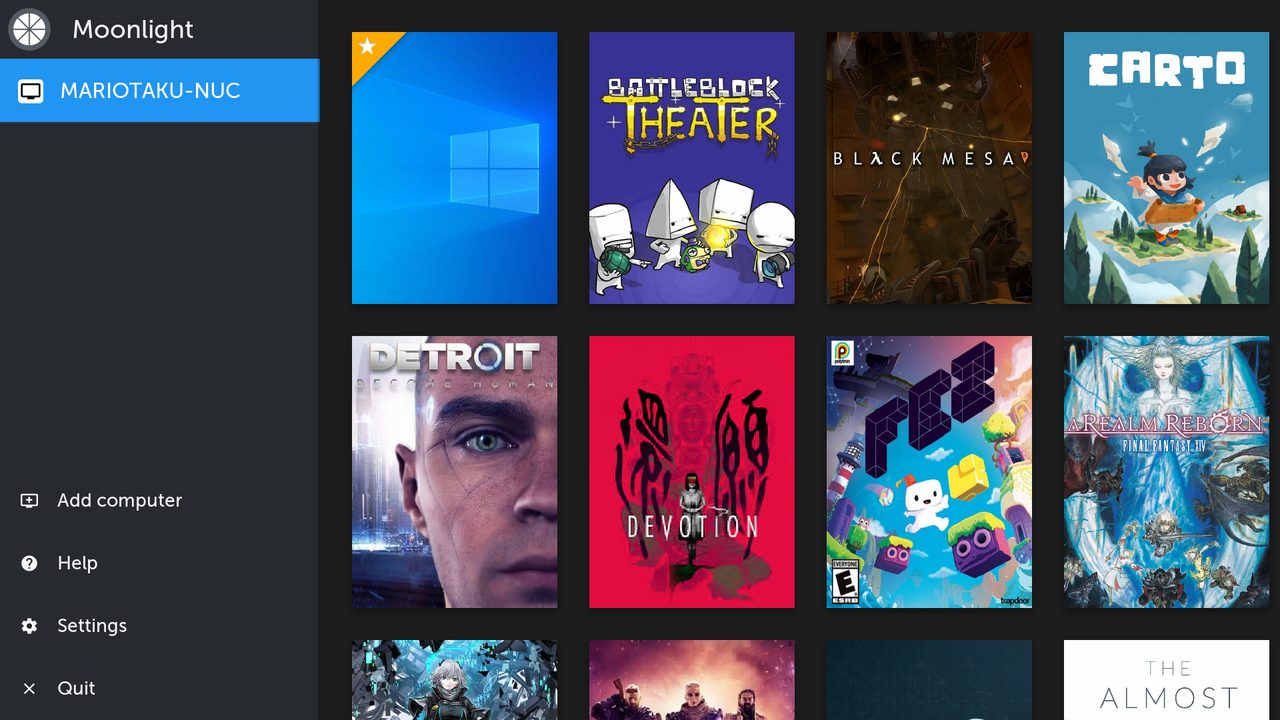

Moonlight
Verified – v1.6.36 – 1.4 MB GamesHigh-performance game streaming client for your TV. Stream games from your PC with NVIDIA GameStream or Sunshine, with an interface made for the big screen and the remote.
Source: github.com
iMagicRemote
Verified – v1.2.3 – 10 KB ToolsShows your Mac screen on the TV and turns the Magic Remote into a real macOS mouse. Needs the free menu-bar helper running on your Mac.
Source: github.com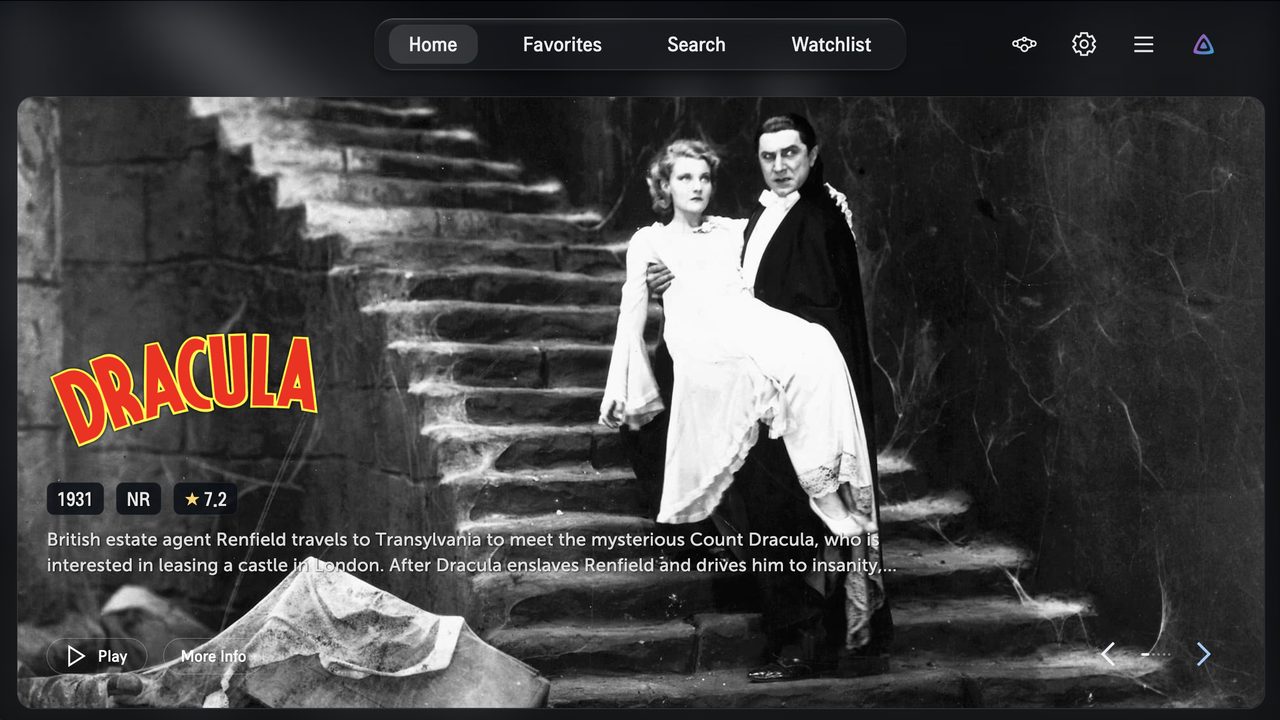

Breezyfin
Verified – v0.2.2 – 18.8 MB MediaA fast Jellyfin client with a modern look, built for speed on webOS. Connect it to your Jellyfin server for smooth browsing and playback.
Source: github.com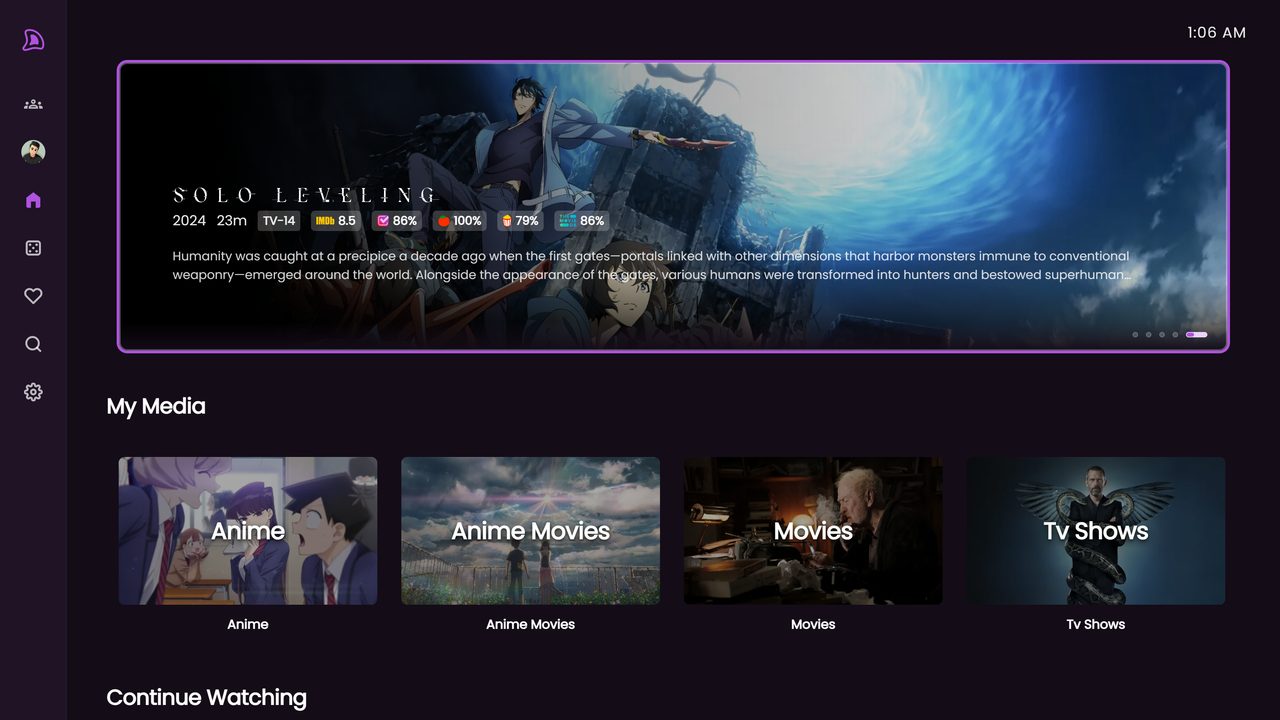

Litefin
Verified – v2.10.0 – 3.8 MB MediaA lightweight Jellyfin client made for older and slower TVs. Same library and playback as Jellyfin, with a simpler interface that runs well on old hardware.
Source: github.com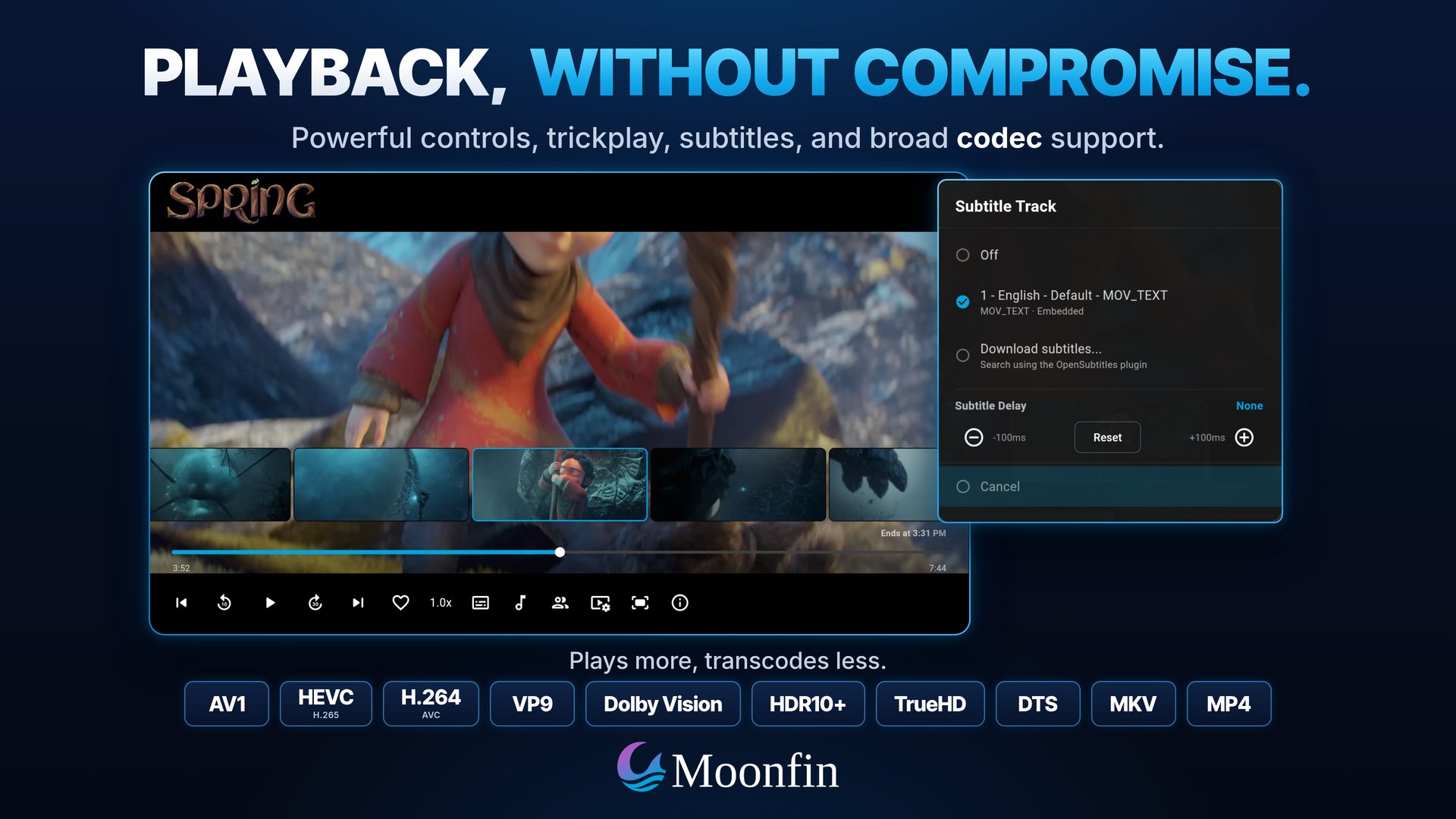

Moonfin
Verified – v3.1.1 – 10.9 MB MediaAn enhanced Jellyfin client for LG smart TVs that also works with Emby, Plex and Silo. Clean home screen, profiles and a premium-feeling interface.
Source: github.com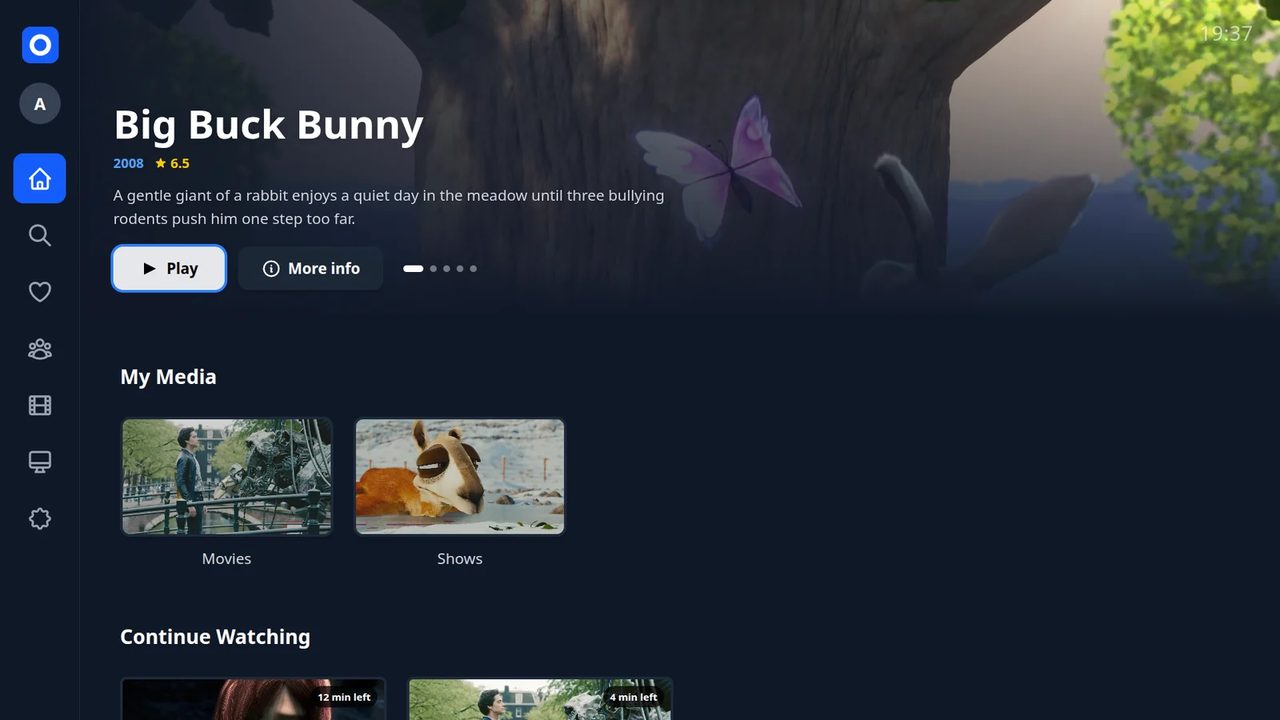

OcenFin
Verified – v2026.11.22 – 2.6 MB MediaA fast, lightweight Jellyfin client for LG webOS TVs, made for the remote and tested on recent LG sets. Connects to your Jellyfin server.
Source: github.com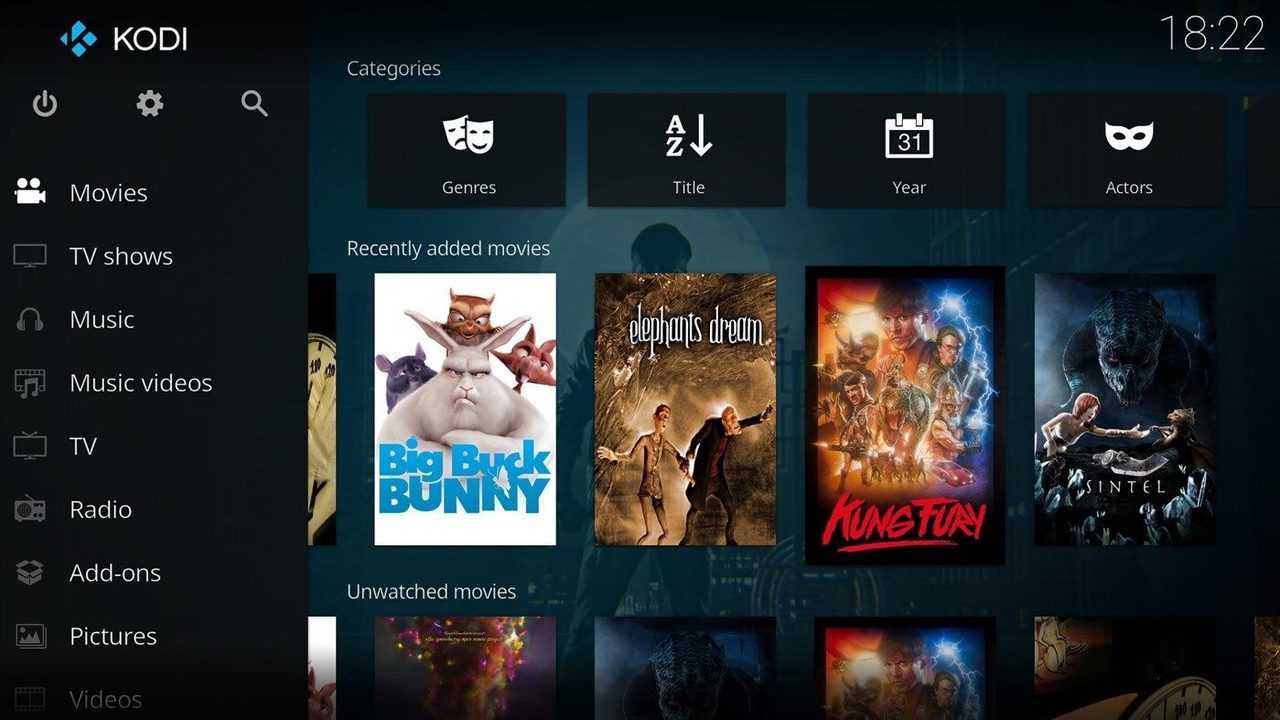

Kodi
Verified – v22.0 RC2 – 99.4 MB MediaThe award-winning free and open source media centre. Play videos from USB drives, your home network and add-ons, all from one library.
Source: github.com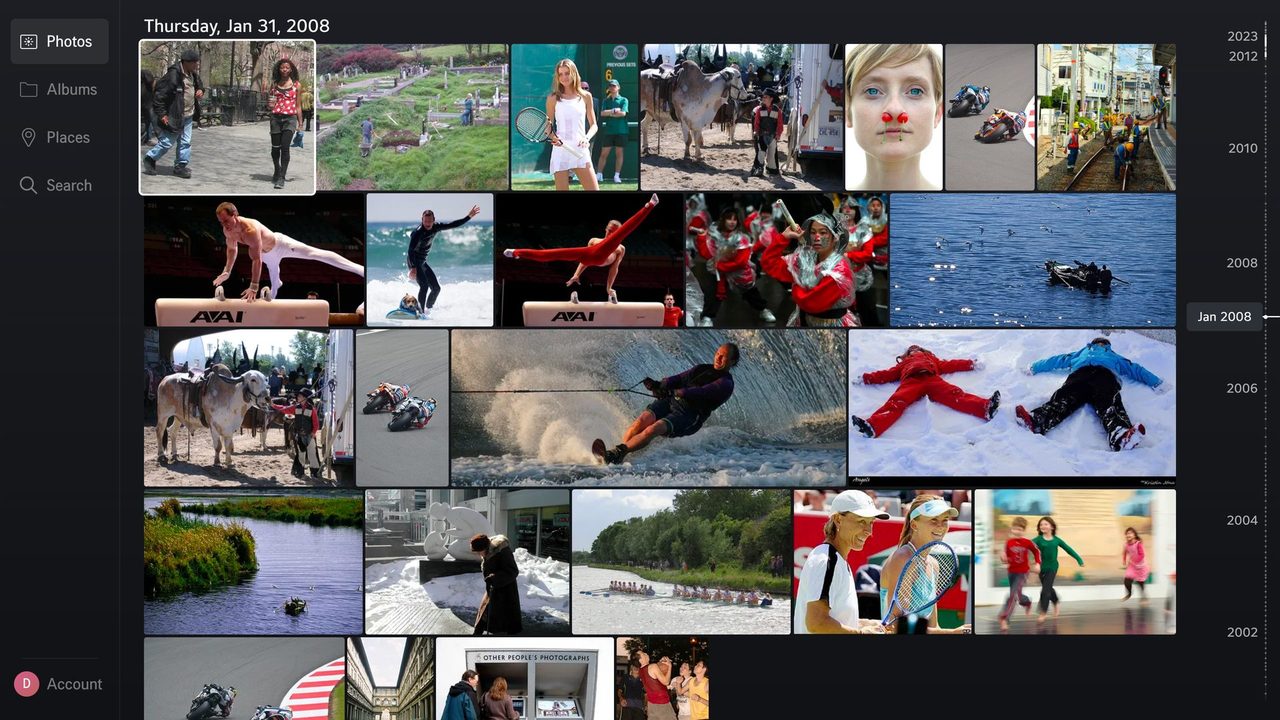

Immich TV
Verified – v1.7.0 – 1.2 MB MediaA second Immich photo app for the TV, with albums and a slideshow. Read-only, so it is safe to hand the remote to anyone.
Source: github.com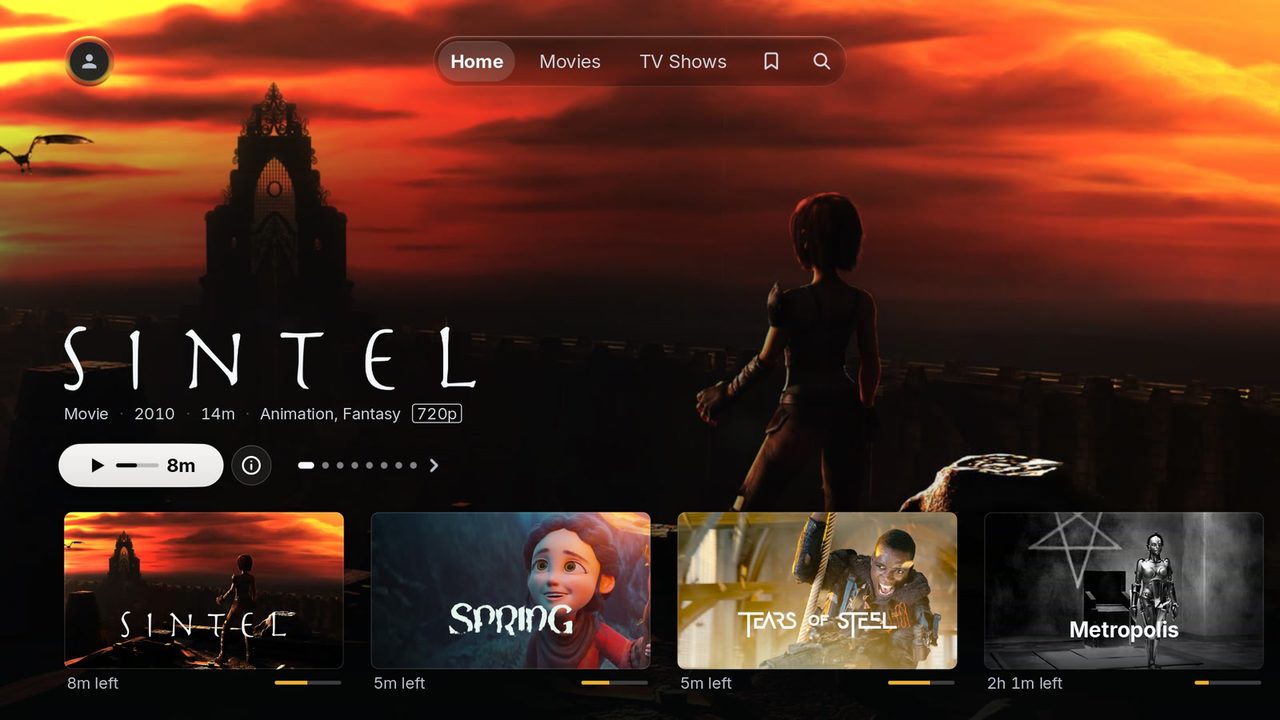

PlxNative
Verified – v0.10.1 – 20.1 MB MediaA fast, unofficial native Plex client for LG TVs. The interface is drawn straight on the GPU at 60 fps and video plays on the TV’s own decoder. Needs your own Plex server.
Source: github.com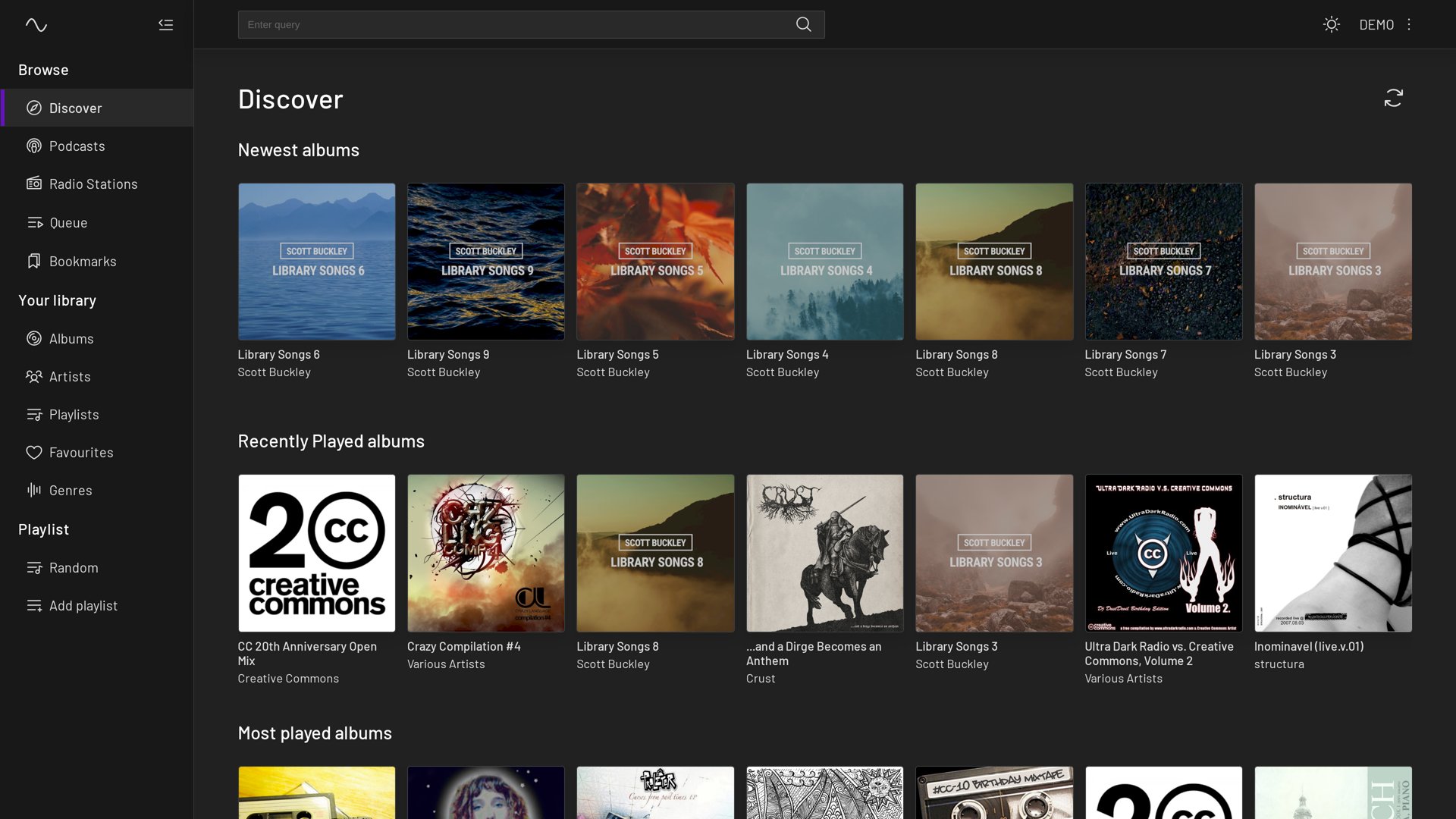

Subsonic Player
Verified – v1.0.1 – 628 KB MediaPlay music from your own Subsonic server on the TV. Browse your collection and stream your songs, albums and playlists.
Source: github.com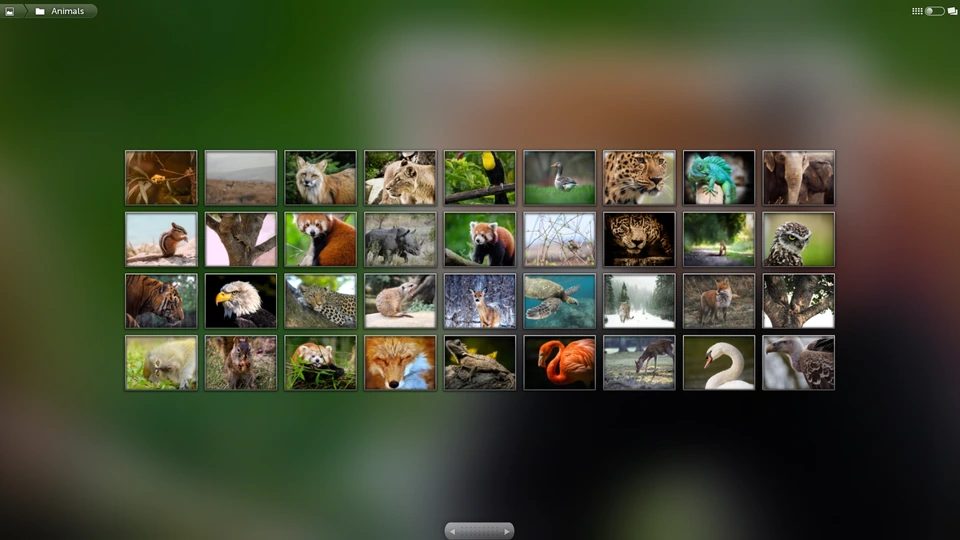

Gallery3D
Verified – v1.0.0 – 2.9 MB MediaBrowse your photos in a 3D gallery on the big screen. A port of the classic Cooliris 3D photo wall: flip through album stacks, open photos and zoom in. Reads USB drives and the Windows Pictures library.
Source: github.com
Crunchyroll
Verified – v1.10.2 – 1.2 MB StreamingWatch Crunchyroll anime on your LG TV. Unofficial app – note that Crunchyroll now ships an official webOS app, which the author recommends instead.
Source: github.com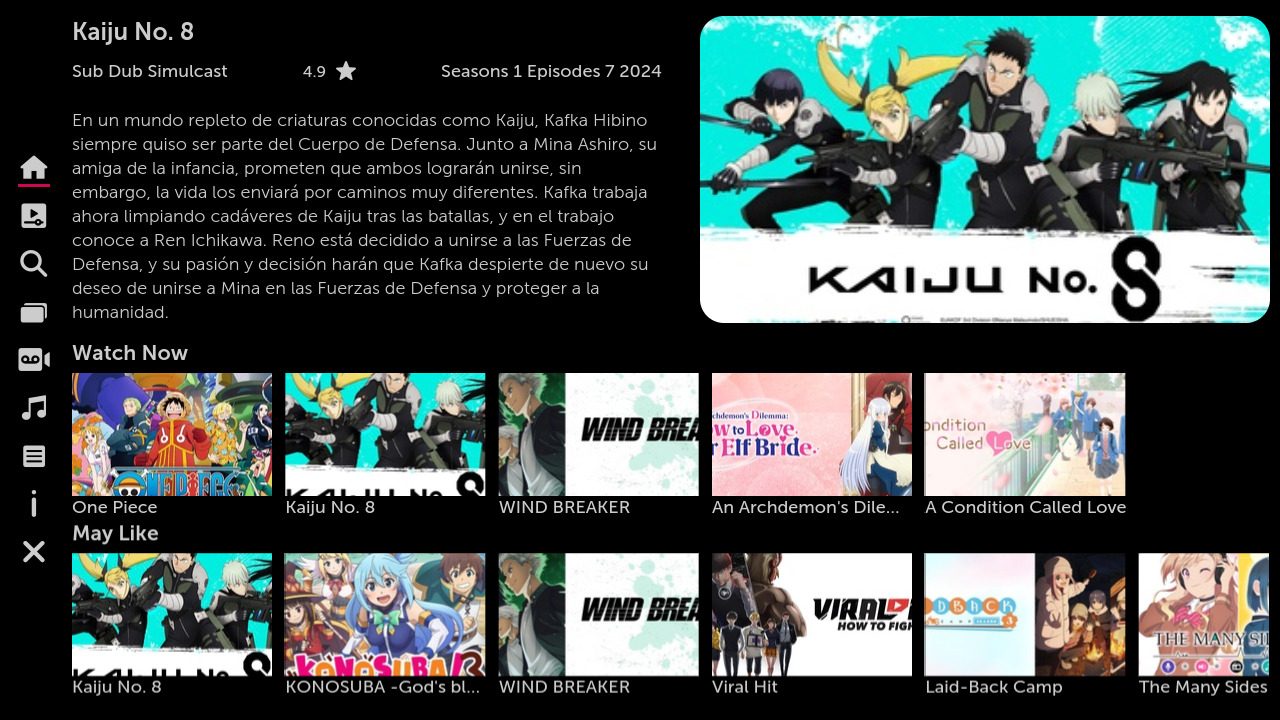

Crunchyroll Stream
Verified – v2.2.0 – 2.9 MB StreamingUnofficial Crunchyroll streaming client with a TV-friendly video player. Browse and watch anime with the remote.
Source: github.com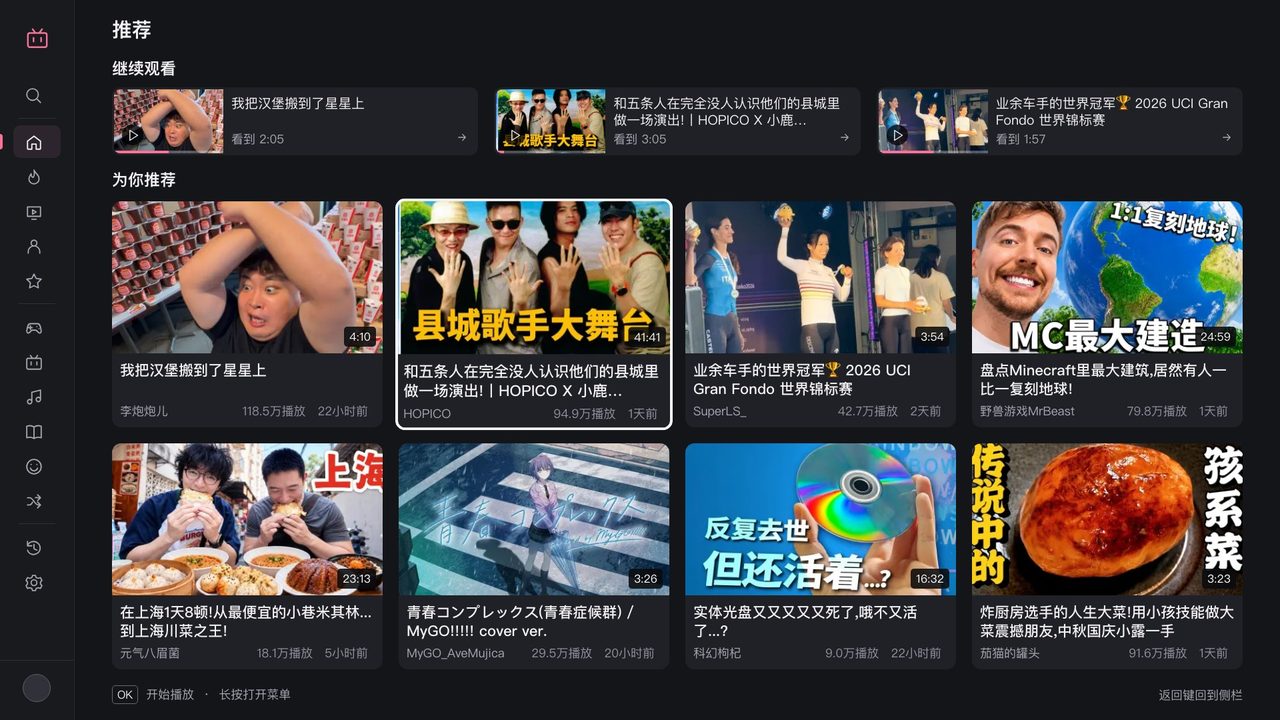

BiliTV
Verified – v2.6.1 – 732 KB StreamingWatch Bilibili videos, livestreams and danmaku comments on your LG TV. Follow your favourite creators from the couch. Unofficial app.
Source: github.com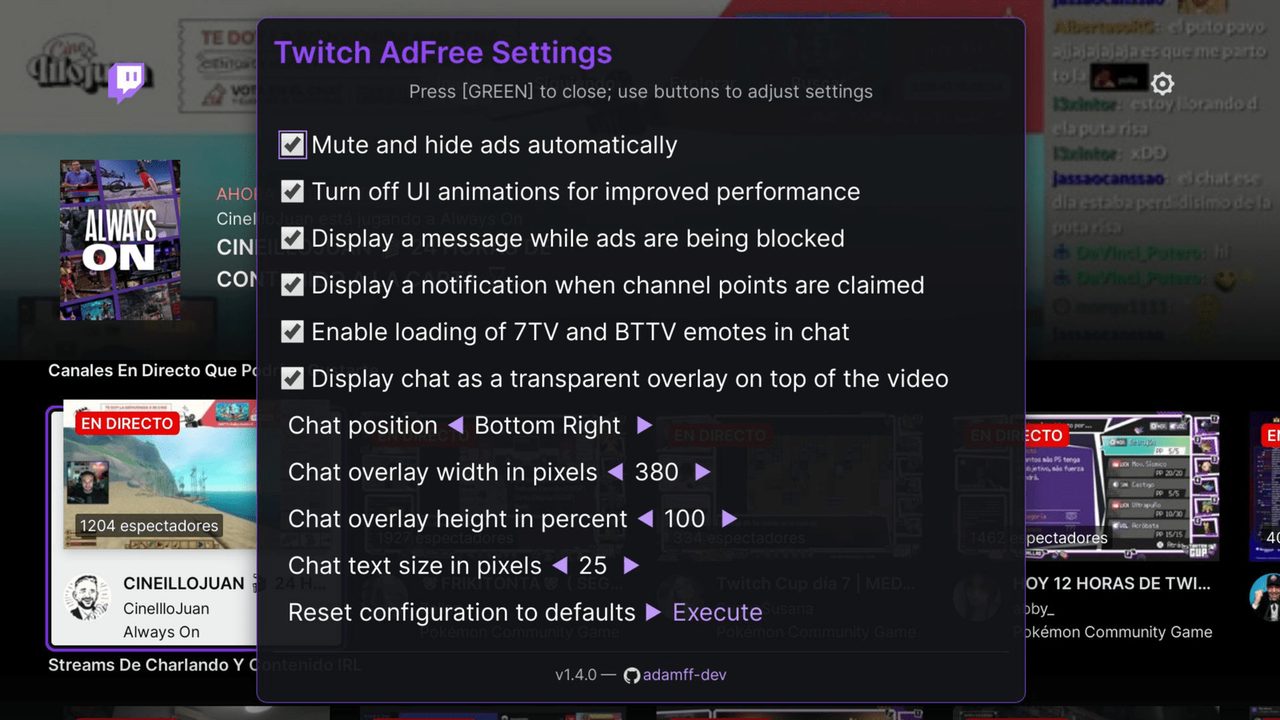

Twitch AdFree
Verified – v1.6.6 – 346 KB StreamingTwitch without ads, made for webOS TVs. Note: this version is no longer maintained – the author recommends Twitch Lite instead.
Source: github.com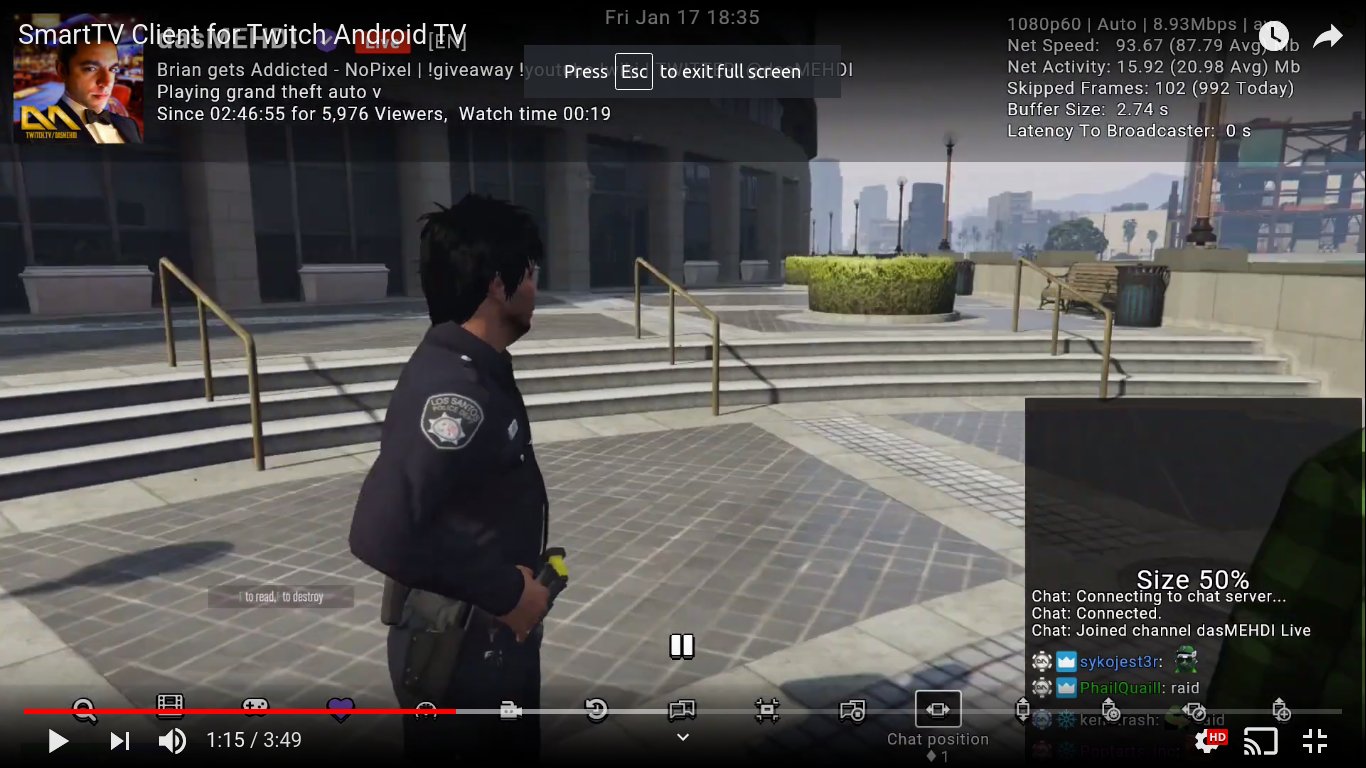

SmartTwitch
Verified – v1.1.0 – 182 KB StreamingWatch Twitch with live chat and a TV-friendly layout. A community fork of SmartTwitchTV, wrapped for webOS.
Source: github.com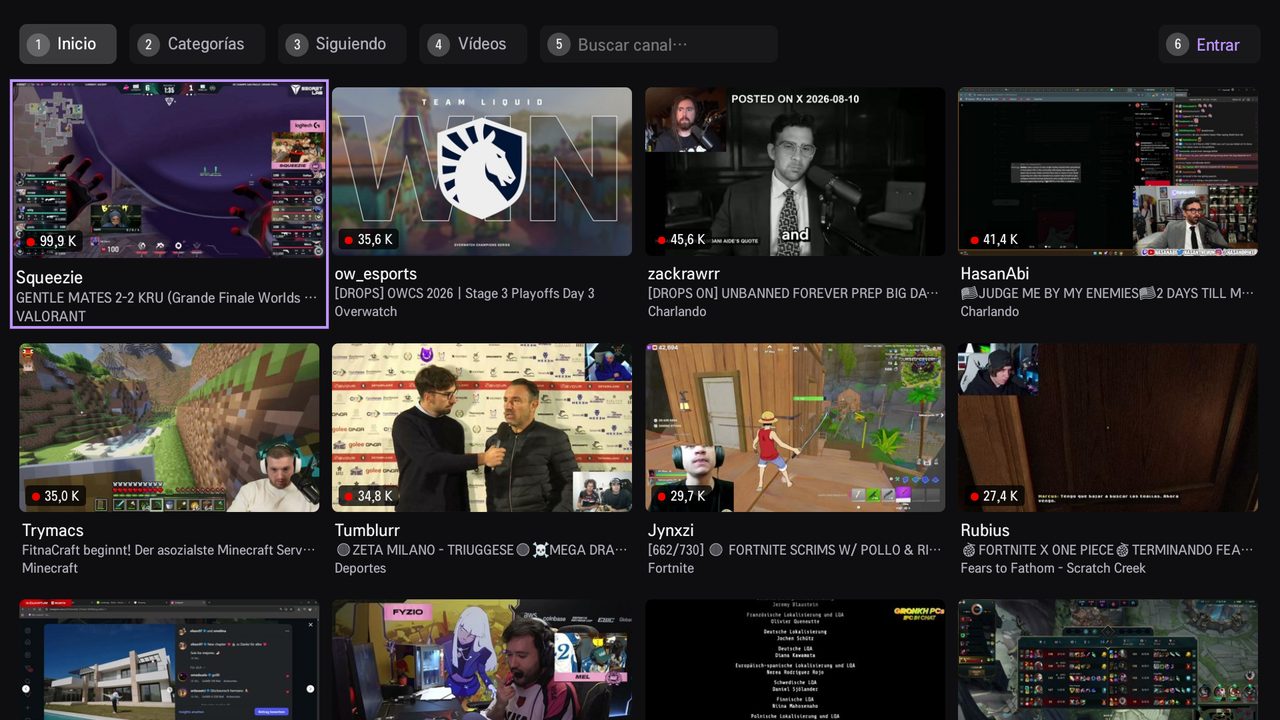

Twitch Lite
Verified – v1.2.0 – 98 KB StreamingA light Twitch client for older TVs. A single small page with no frameworks, built for entry-level TVs, with ad blocking.
Source: github.com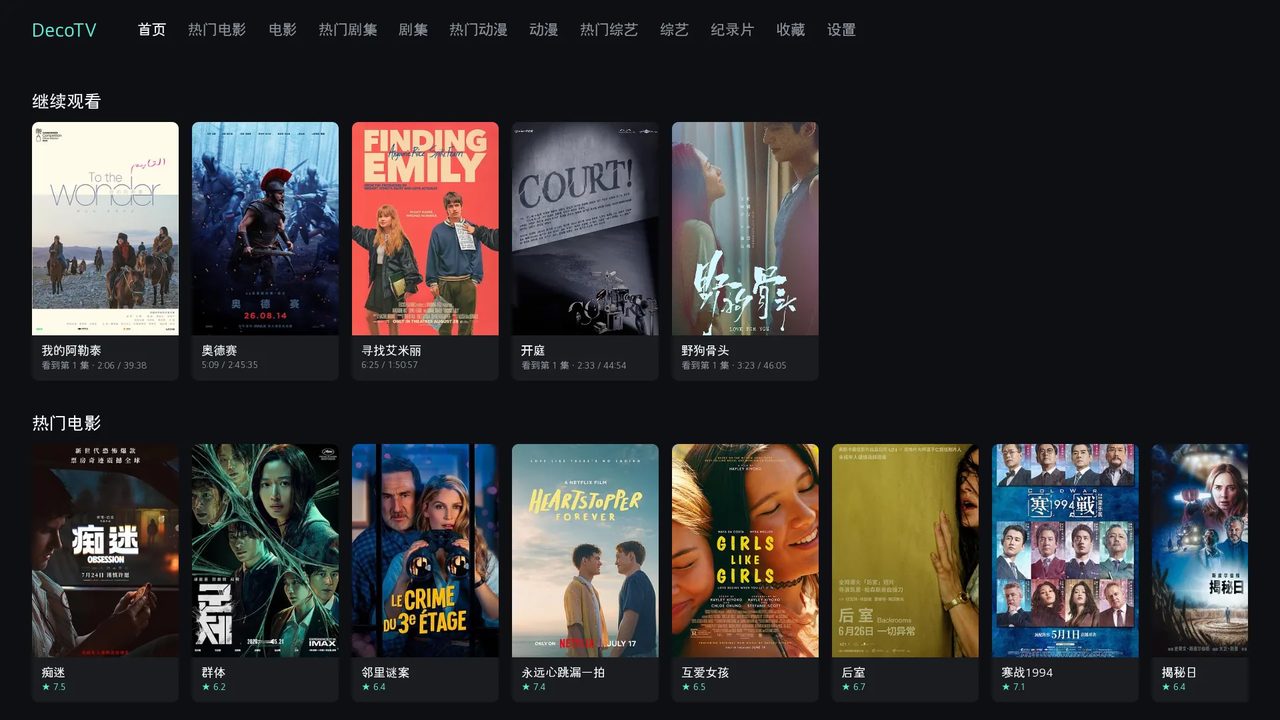

DecoTV
Verified – v0.7.0 – 297 KB StreamingDecoTV client for webOS with Douban, TMDB and Bangumi catalogs, multi-source playback and full remote navigation. Needs a self-hosted DecoTV server.
Source: github.com
Sendspin Cinema
Verified – v1.0.1 – 2 MB StreamingA cinema-inspired player for Music Assistant on LG webOS TVs. Dark immersive look, dynamic album-art colours and a glowing progress bar while your music streams to the TV.
Source: github.com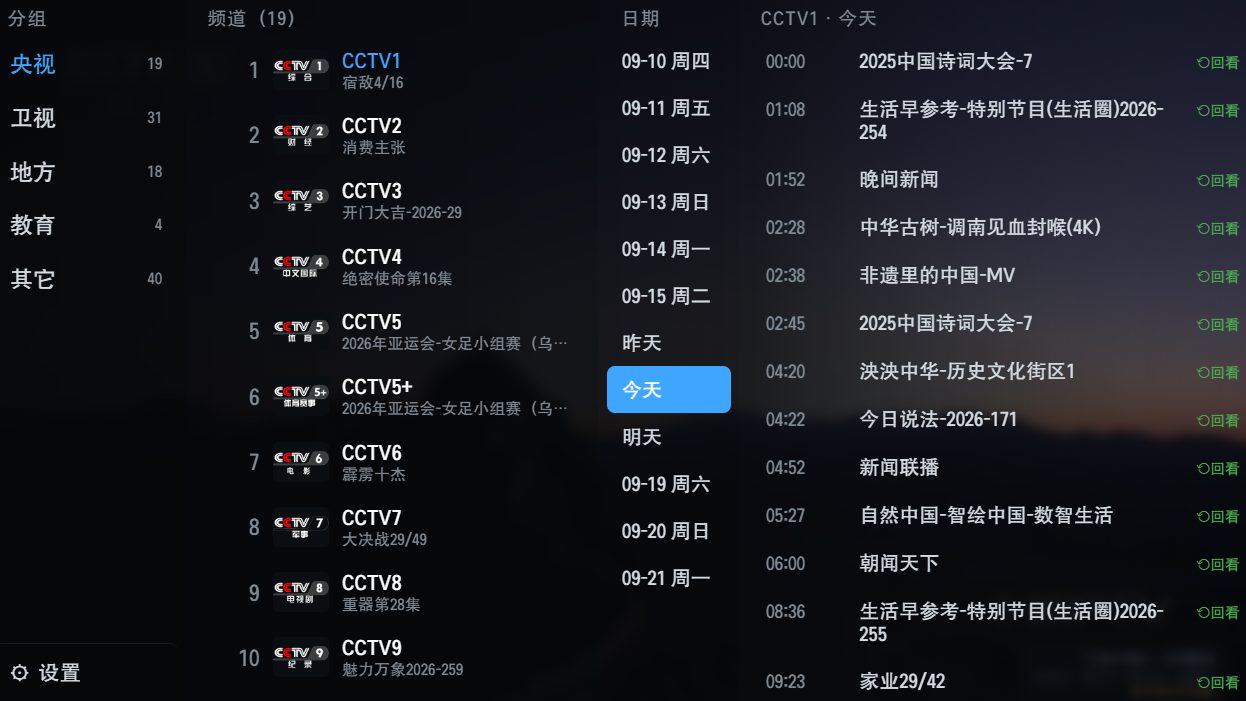

Qoder IPTV Player
Verified – v1.1.56 – 295 KB StreamingOpen-source M3U media player for live TV. Add your own playlists and EPG data – no channels or programmes are included.
Source: github.com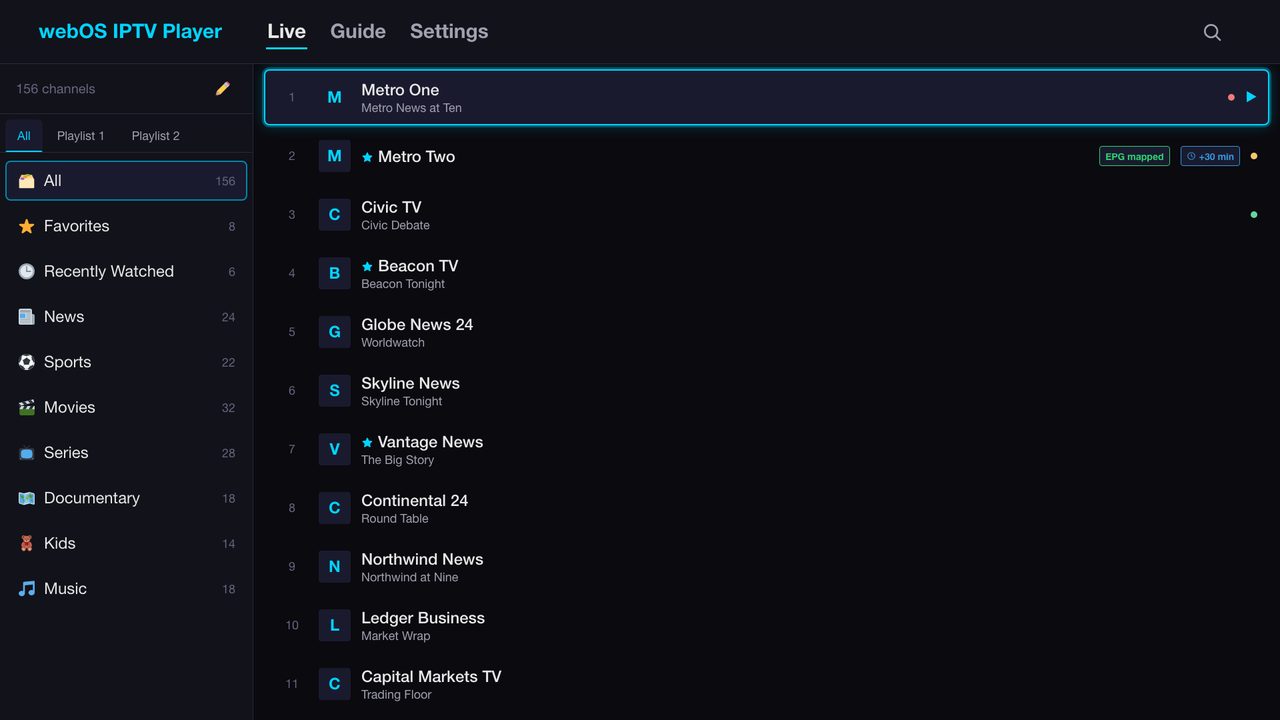

webOS IPTV Player
Verified – v1.18.0 – 808 KB StreamingIPTV player with M3U playlists, Xtream Codes accounts, XMLTV programme guide and catch-up TV. Add your own playlist or provider.
Source: github.com
MovieBox
Verified – v1.2.2 – 336 KB StreamingStreaming client with 4K and 1080p playback. Browse and watch movies and shows with a remote-friendly interface.
Source: github.com
StreamViva
Verified – v1.5.0 – 60 KB StreamingMovies, shows and anime on LG webOS TVs. A native web app built around the remote: full D-pad navigation, no mouse needed.
Source: github.com

Filimo
Verified – v1.0.1 – 9 KB StreamingFilimo streaming for LG TVs, in Persian. Watch Filimo movies and shows on the big screen.
Source: github.com
RezkaTV
Verified – v1.1.29 – 7.2 MB StreamingRezka TV streaming app for webOS. Independent, non-commercial project, not affiliated with the HDRezka online cinema.
Source: github.com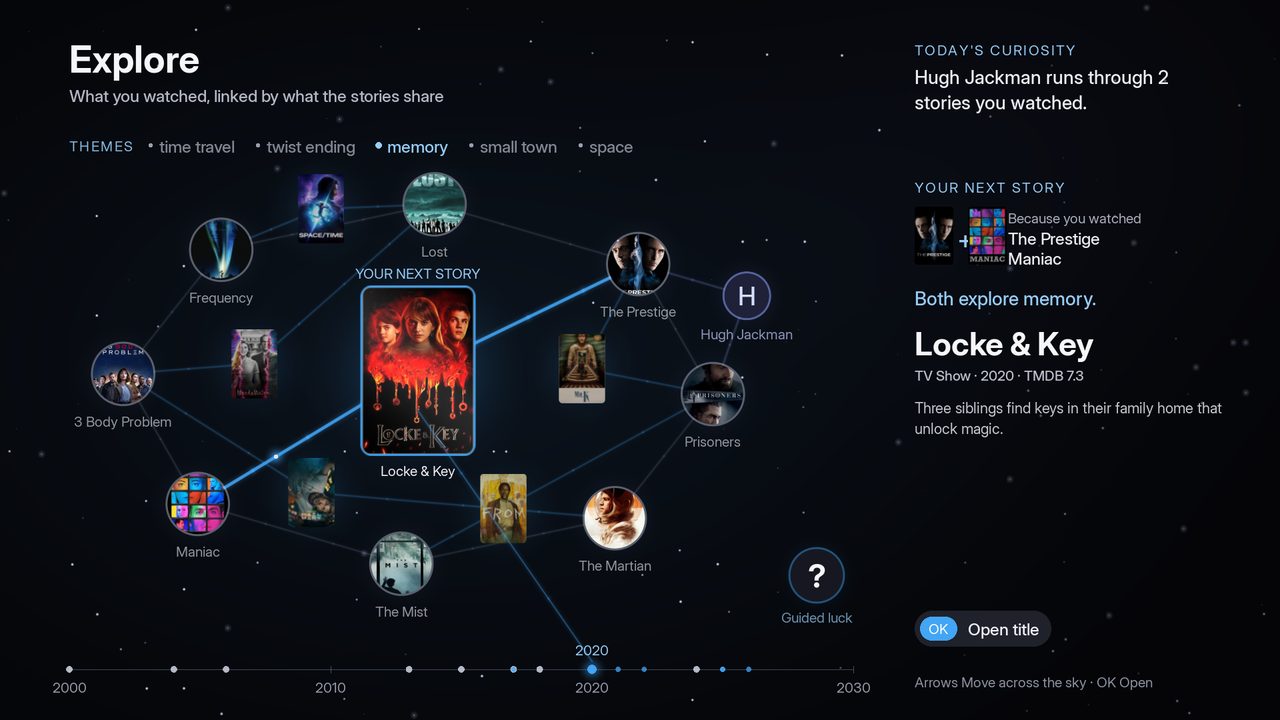

Nuvio TV
Verified – v1.4.3 – 8.0 MB StreamingThe official Nuvio TV client for webOS. Bring your Stremio addons and sources together in one sharp TV library.
Source: github.com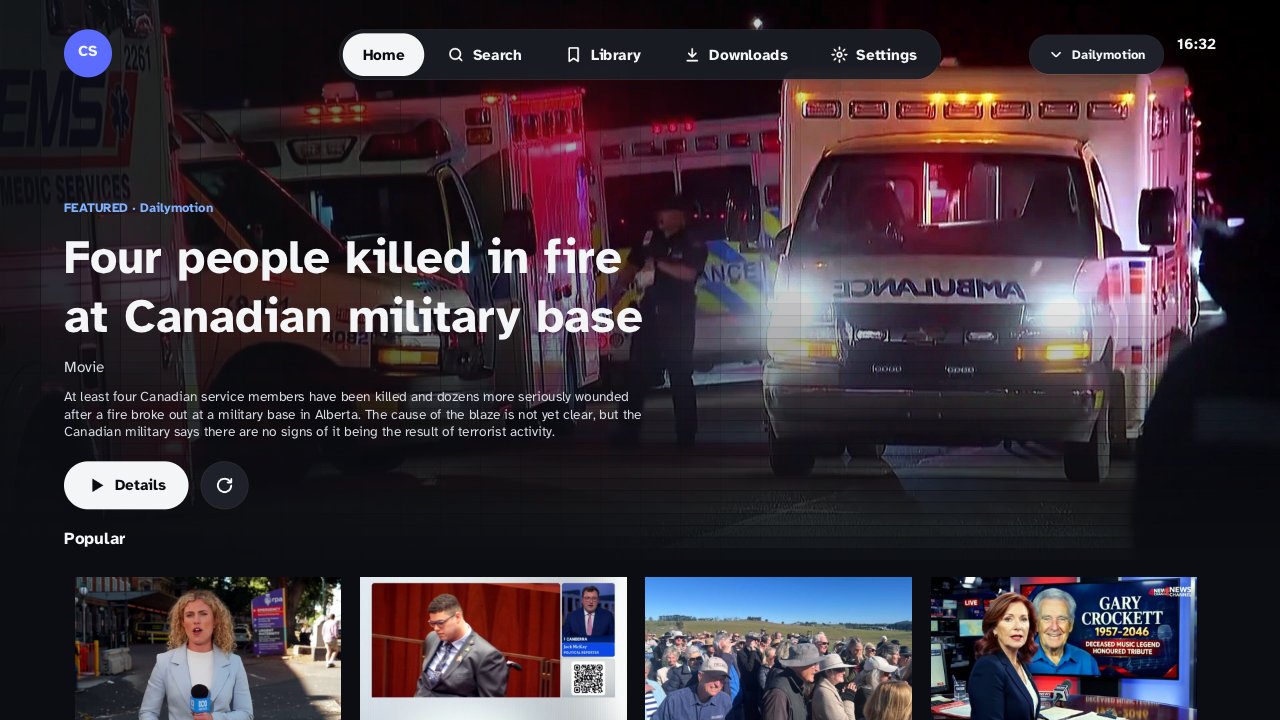

CSWeb TV
Verified – v0.8.0 – 76.1 MB StreamingRun unmodified CloudStream extensions on the TV. A native app with a bundled Android runtime – no content is included, add your own extensions. Needs webOS 6 or newer and a 64-bit kernel.
Source: github.com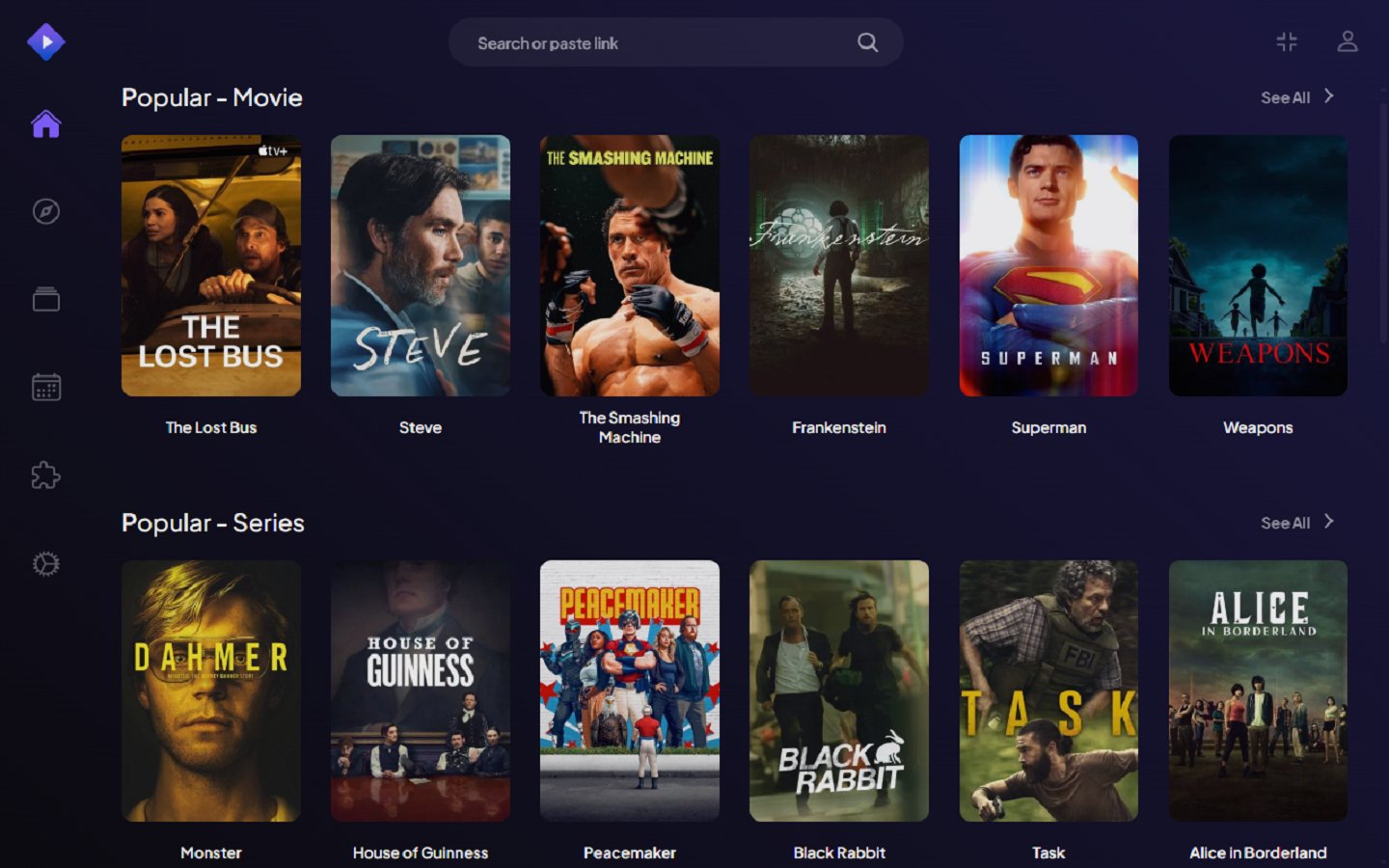

Stremio Lite
Verified – v0.2.3 – 3.9 MB StreamingA lighter Stremio app for webOS. Beta and still experimental – a community port with the essentials of Stremio in a smaller package.
Source: github.com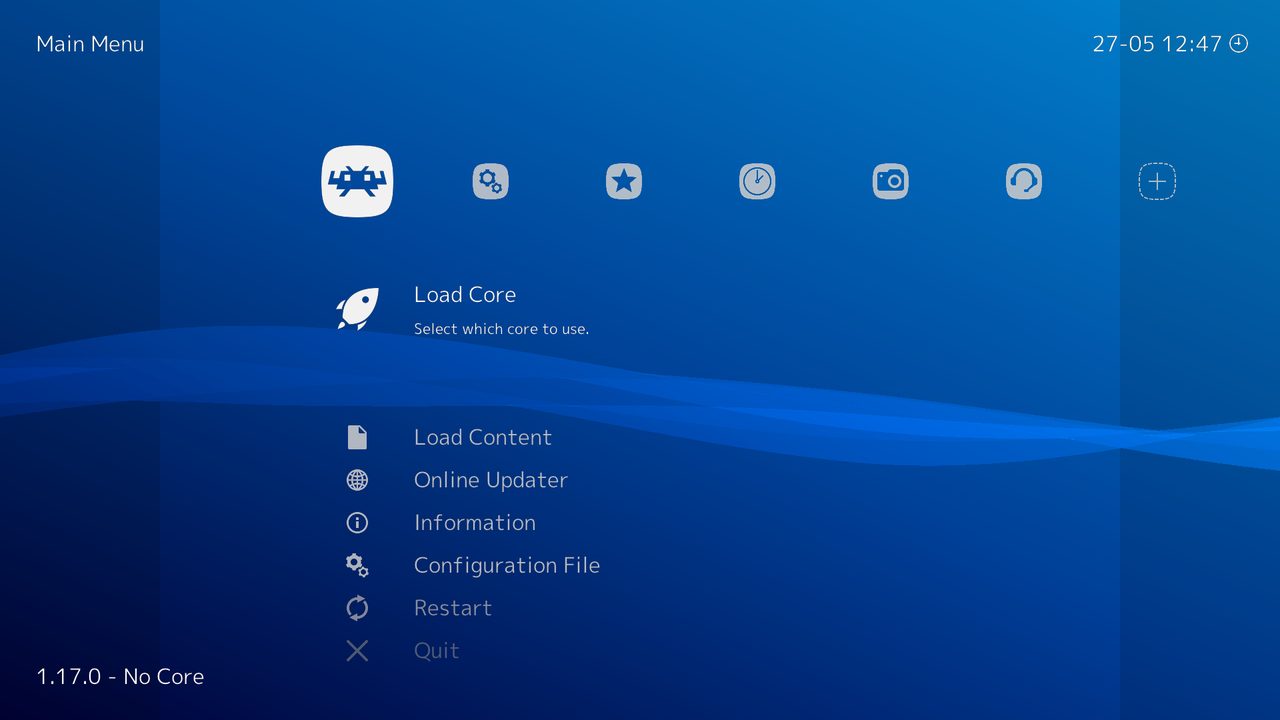

RetroArch
Verified – v1.22.2 – 4.4 MB GamesPlay classic console games with this emulator front end. RetroArch runs libretro cores for dozens of systems – add your own game files. May need the 64-bit bridge on some TVs.
Source: github.com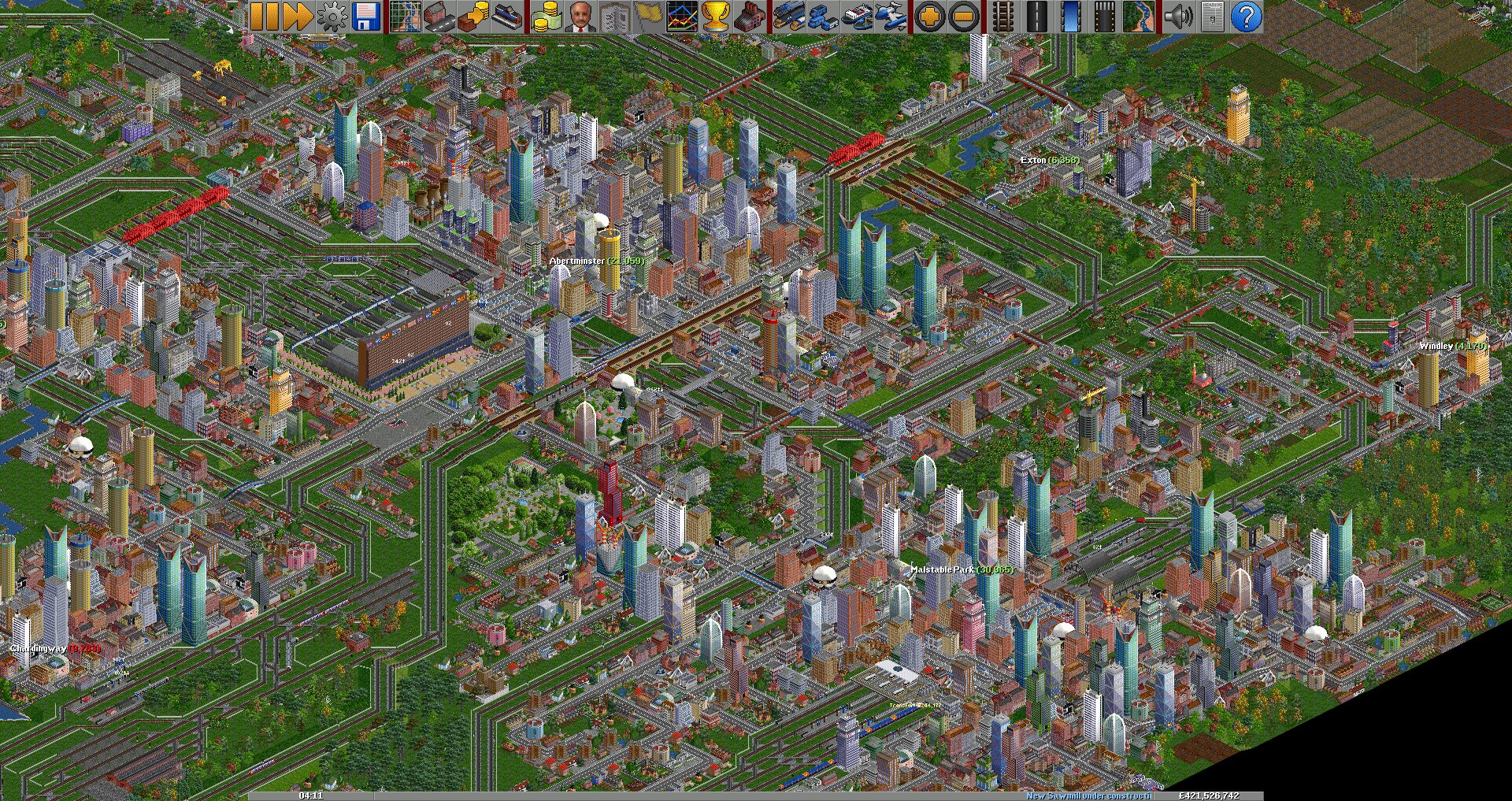

OpenTTD
Verified – v15.0.1 – 165.8 MB GamesThe classic transport business game, free and open source. Build railways, roads and airports and grow your transport empire. Demo build.
Source: github.com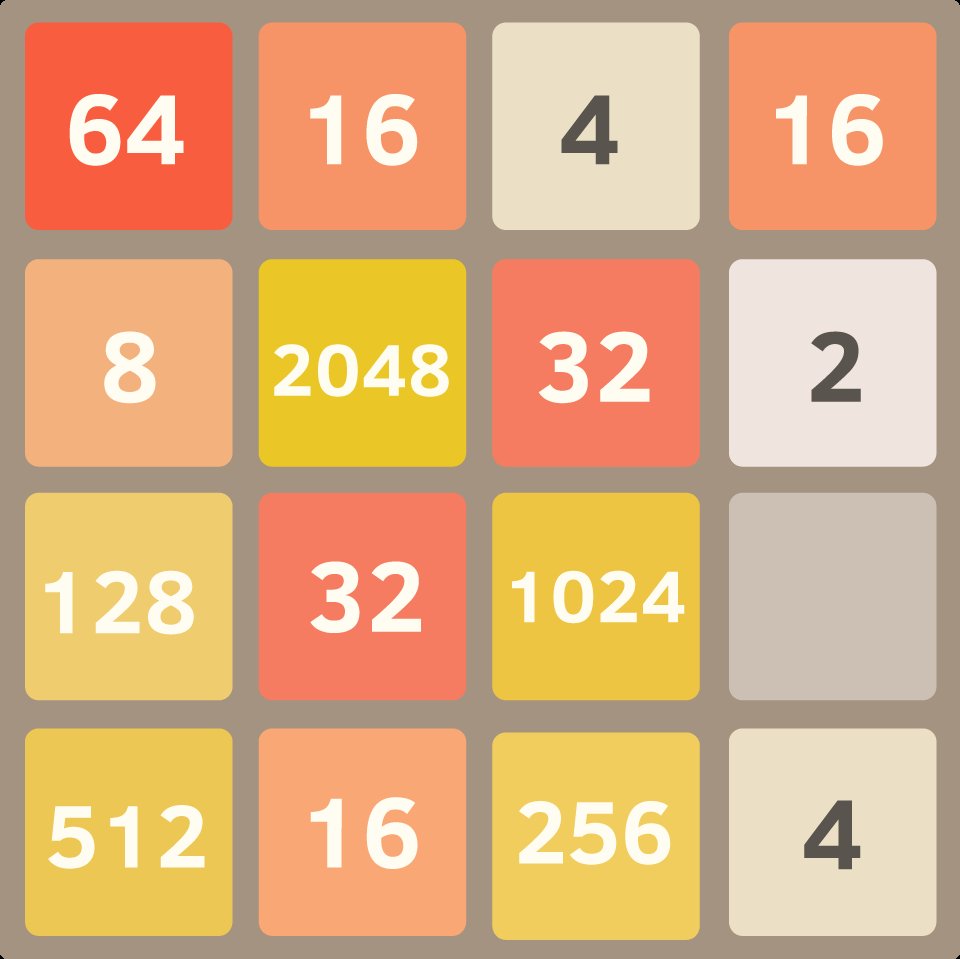

2048 Port for webOS
Verified – v1.0.0 – 909 KB GamesThe 2048 number puzzle, made for the TV remote. Slide the tiles with the Magic Remote or D-pad and chase the 2048 tile.
Source: github.com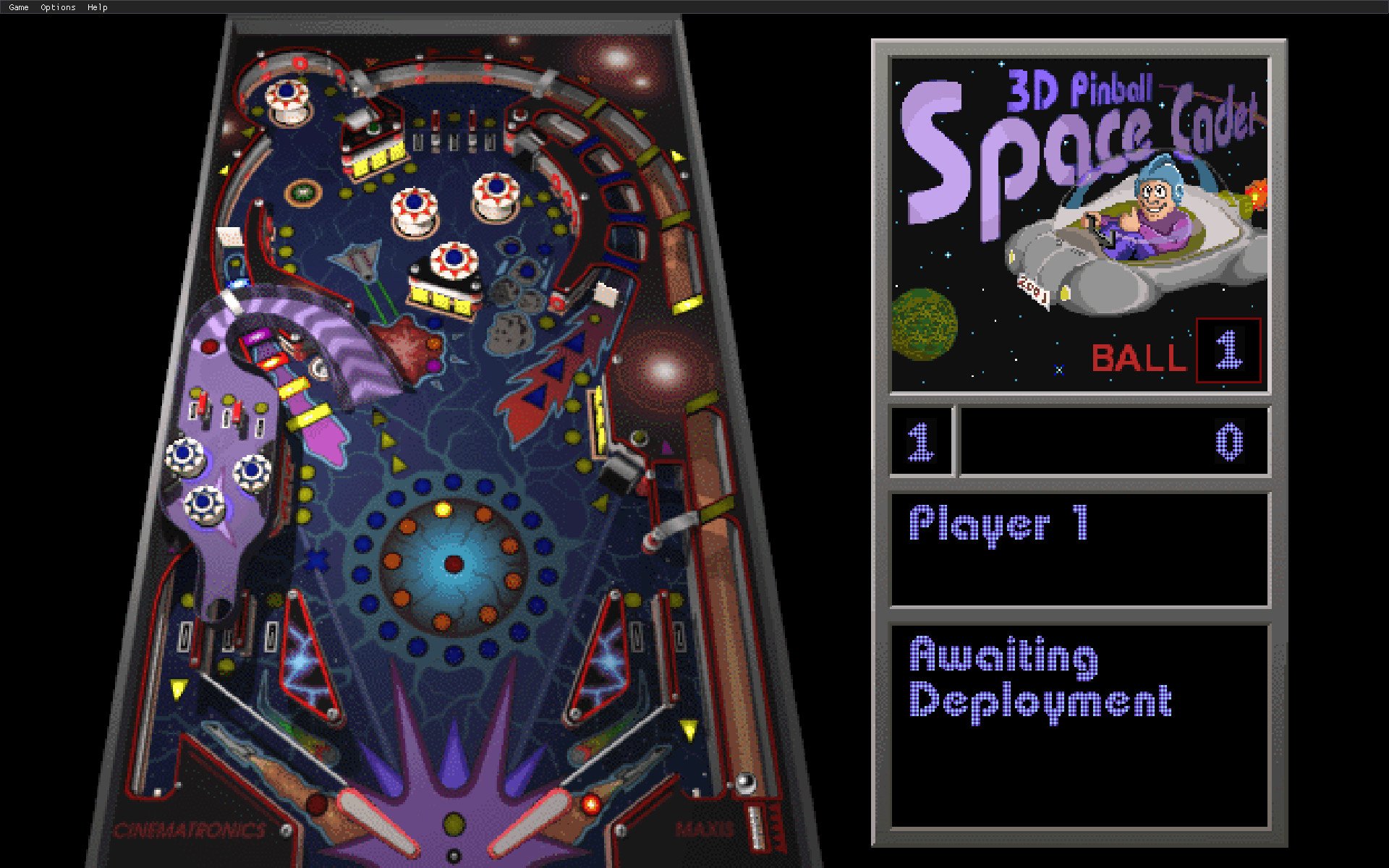

3D Pinball Space Cadet
Verified – v0.0.3 – 7.1 MB GamesThe classic Windows pinball game, ported to webOS. A reverse-engineered build of 3D Pinball Space Cadet – needs the original game data files.
Source: github.com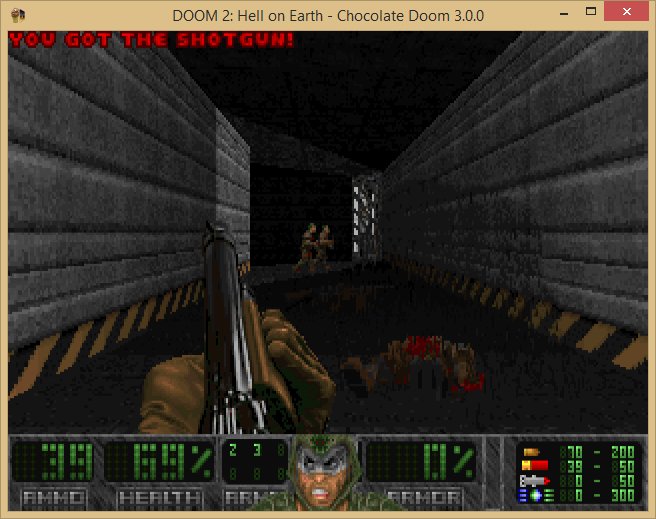

Chocolate Doom
Verified – v0.0.3 – 3.1 MB GamesPlay the original Doom on your TV. A faithful port of the DOS classic – demo build, needs your own Doom game files.
Source: github.com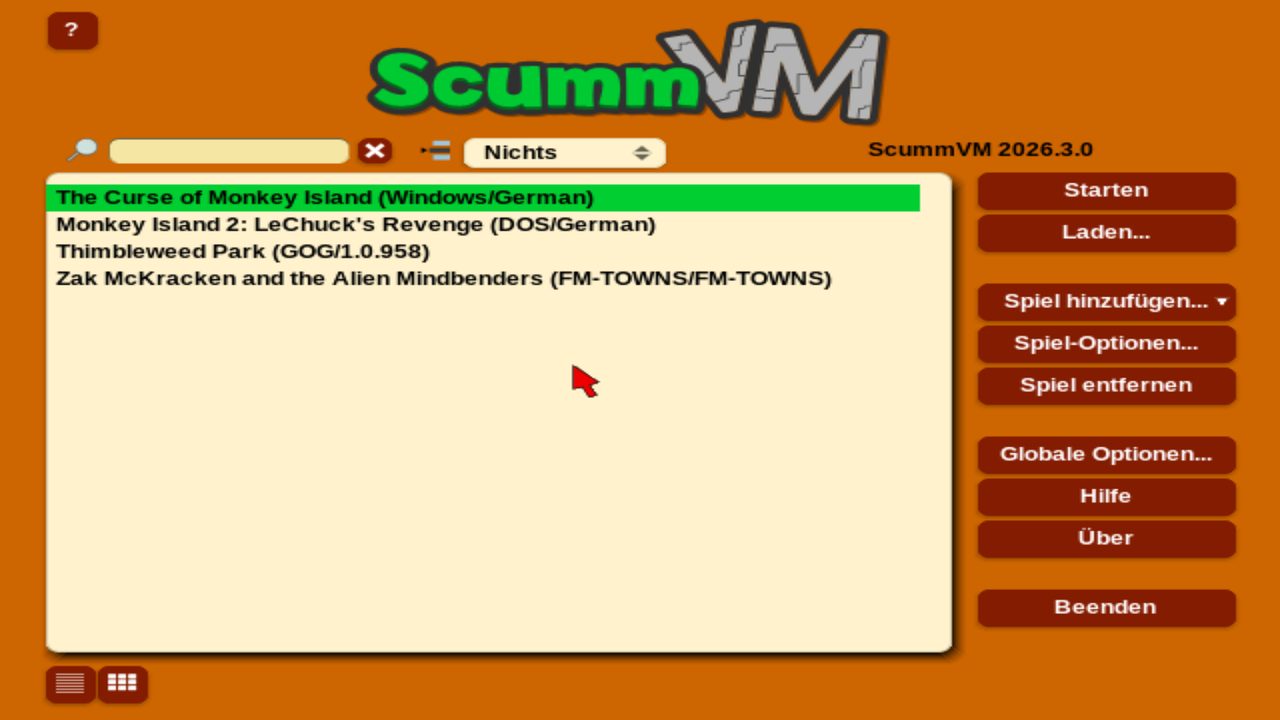

ScummVM
Verified – v1.3.0 – 23.5 MB GamesPlay classic point-and-click adventure games on the TV. ScummVM runs dozens of old LucasArts and Sierra titles – add your own game files.
Source: github.com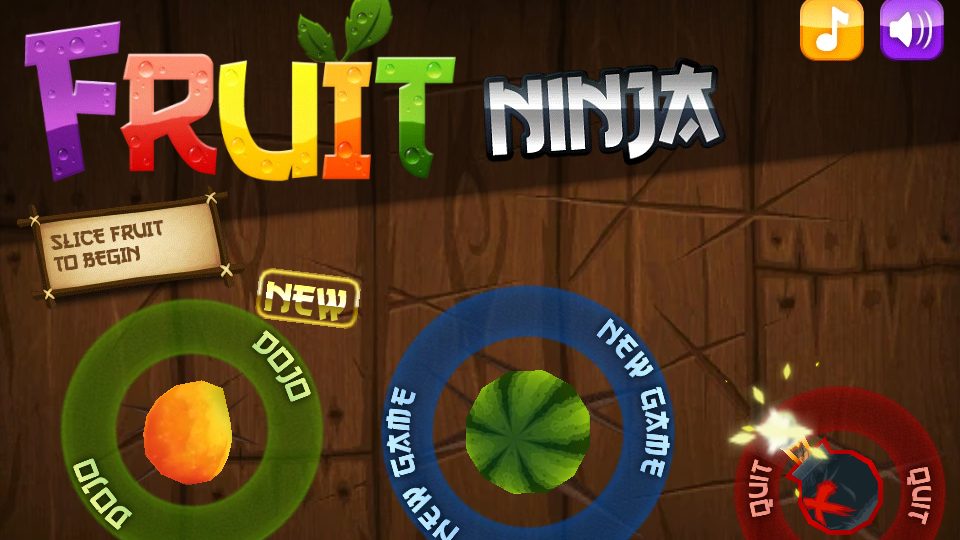

Fruit Ninja
Verified – v1.601.6 – 6.2 MB GamesSlice fruit with the Magic Remote. A reverse-engineered port of the Fruit Ninja game for webOS – unofficial fan project, needs the original game data.
Source: github.com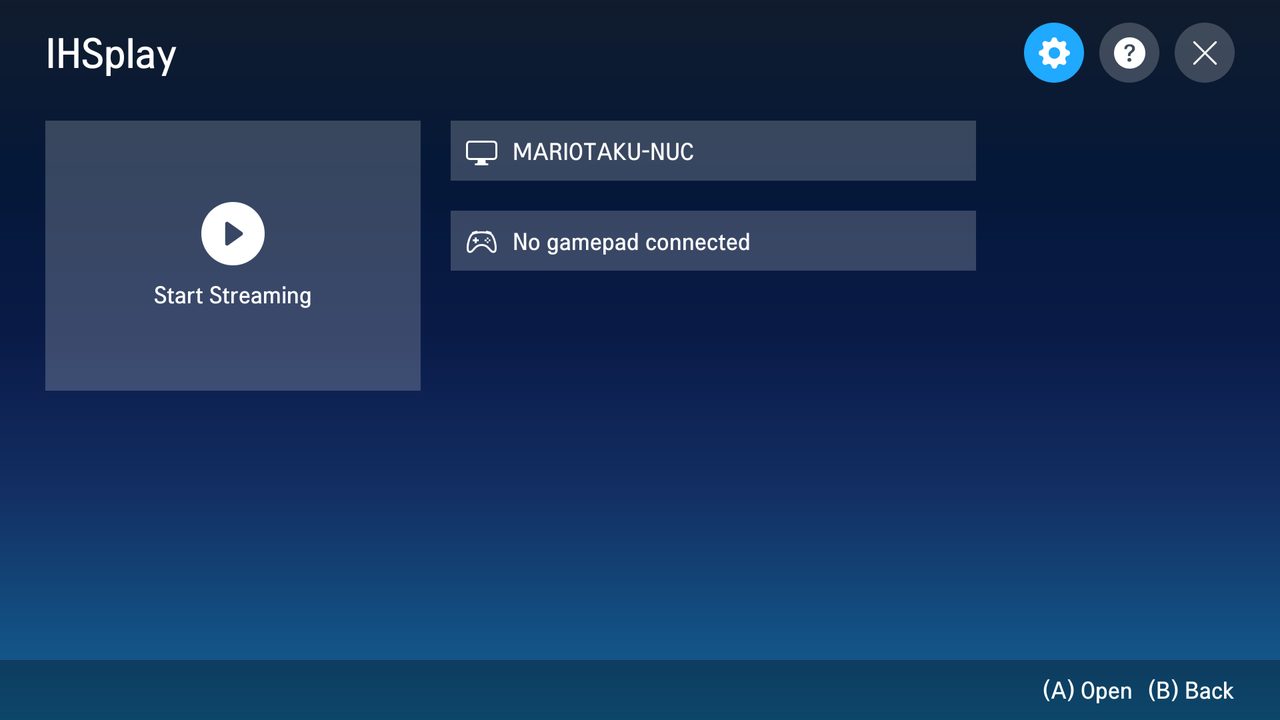

IHSplay
Verified – v0.2.12 – 5 MB GamesStream games from your home PC to the TV. An SDL2-based Steam Link client for webOS – pair it with Steam on your computer.
Source: github.com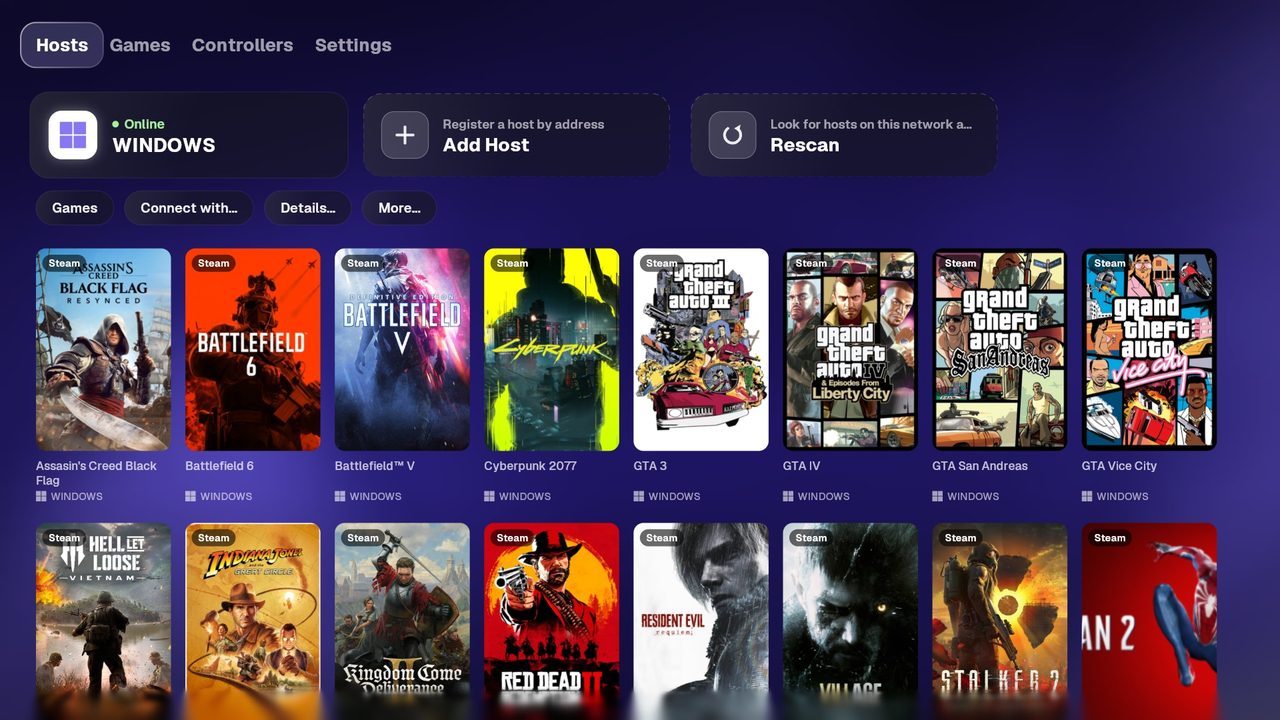

Punktfunk
Verified – v0.27.1 – 12.7 MB GamesStream games and your desktop from your PC with low latency. A remote-first streaming client for webOS TVs.
Source: github.com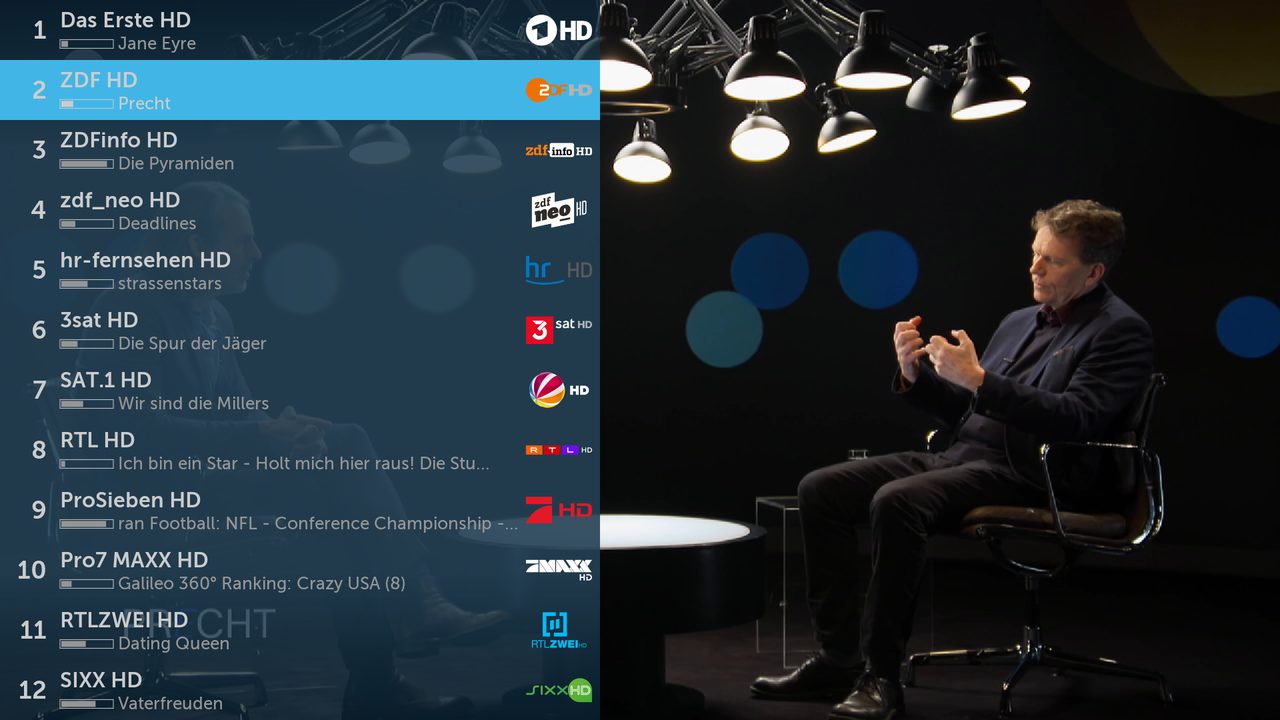

TVHeadend Client
Verified – v0.8.4 – 1.6 MB ToolsWatch live TV from a TVHeadend server on your network. A Kodi-style interface, tested on webOS 3, 4 and 5 – needs a TVHeadend server.
Source: github.com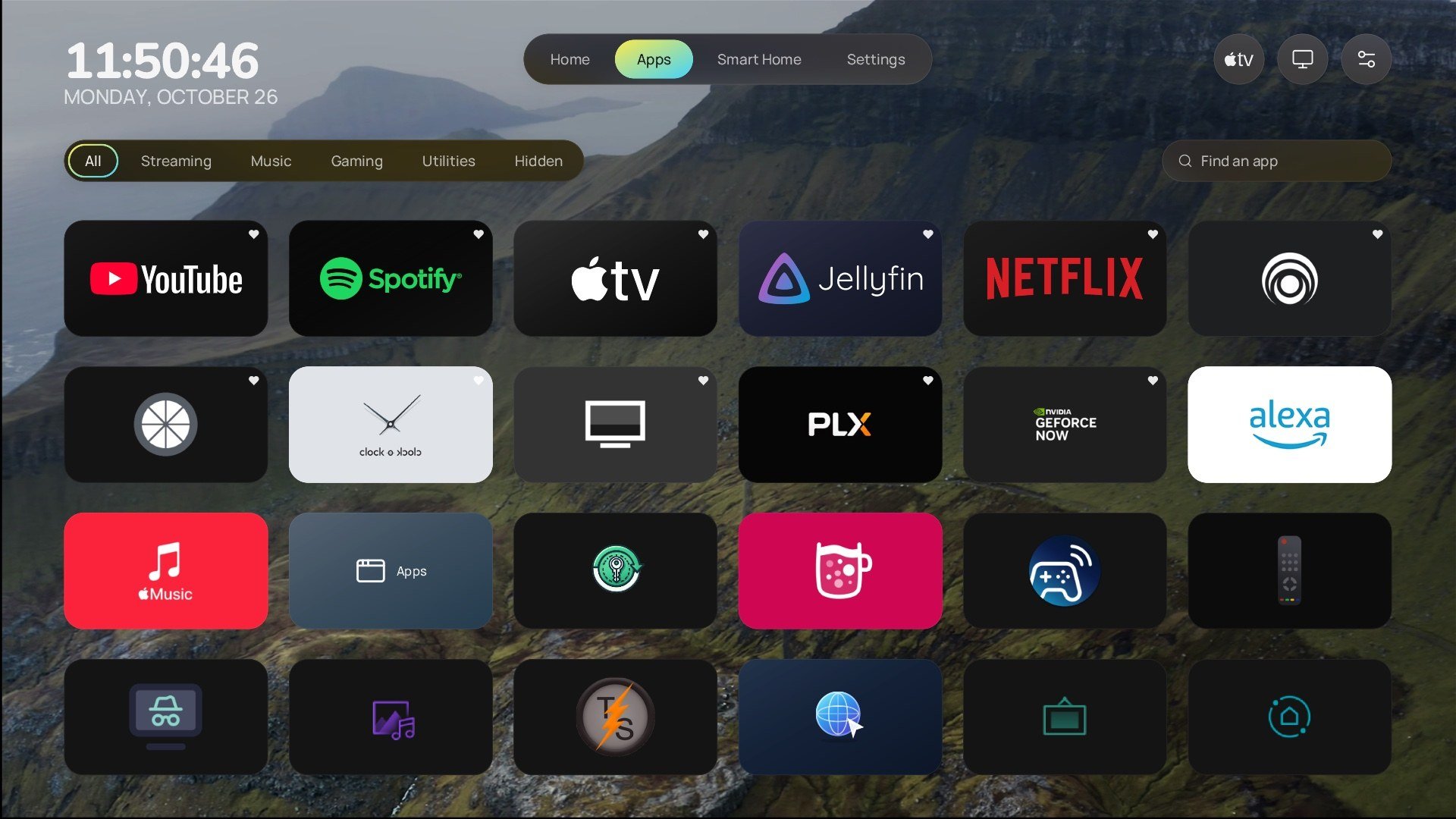

Luma Launcher
Verified – v2.2.160 – 106.6 MB LaunchersA fast Apple TV style home screen, with Jellyfin, Moonlight and Home Assistant built in. Replaces the cluttered LG Home with one calm screen of your favourite apps.
Source: github.com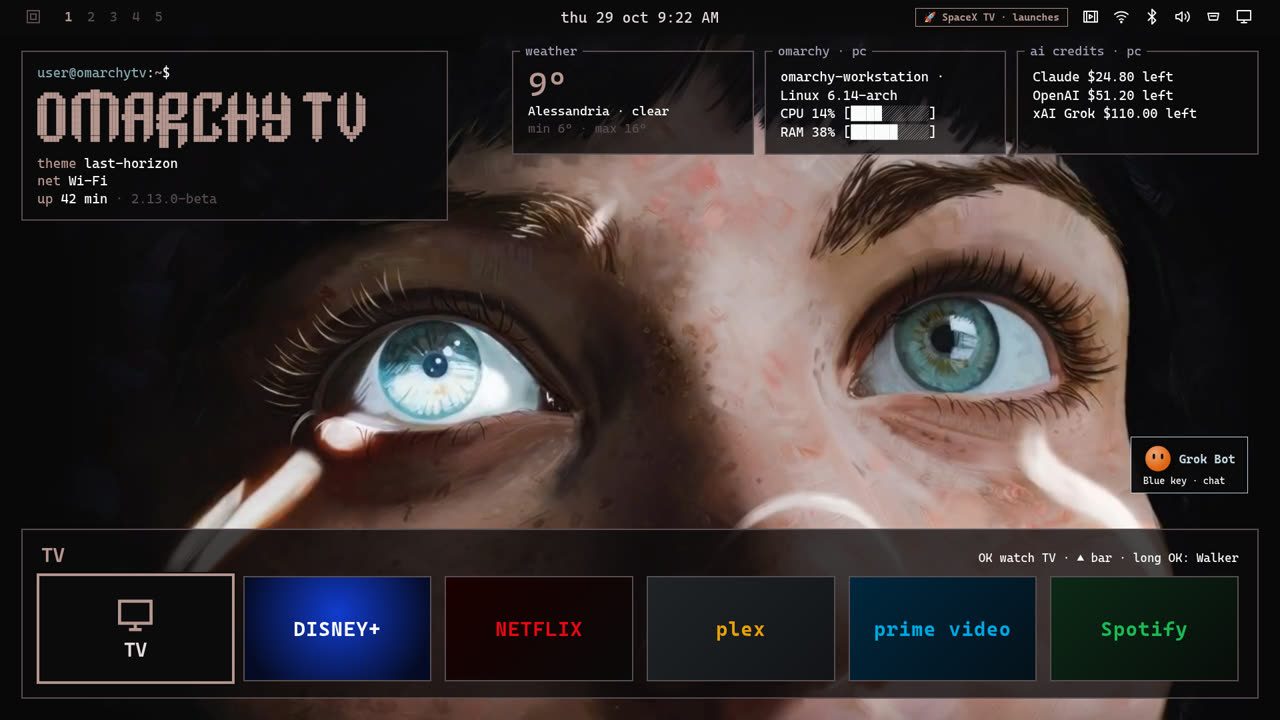

OmarchyTV
Verified – v2.20.0 – 11.7 MB LaunchersA tiling launcher for your TV, Omarchy style. Experimental build with a live sky screensaver, a phone-as-gamepad arcade and a native home screen.
Source: github.com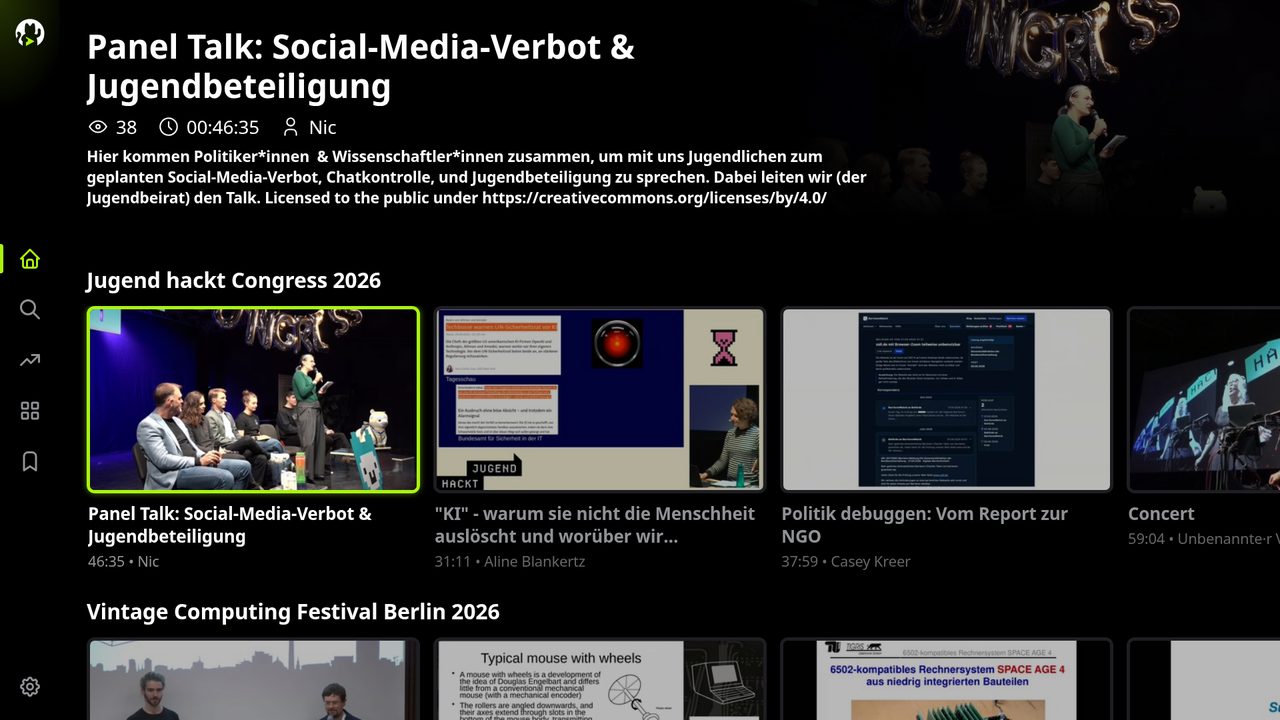

CCCBib
Verified – v1.1.0 – 625 KB StreamingWatch talks and videos from the Chaos Computer Club media library. A media.ccc.de library app for the TV – experimental.
Source: github.com
Stremio Origin
Verified – v1.1.1 – 8.4 MB StreamingA native Stremio app for your own account and addons. Ships empty – you bring your addons, then get artwork, trailers, subtitles and the best stream in one press.
Source: github.com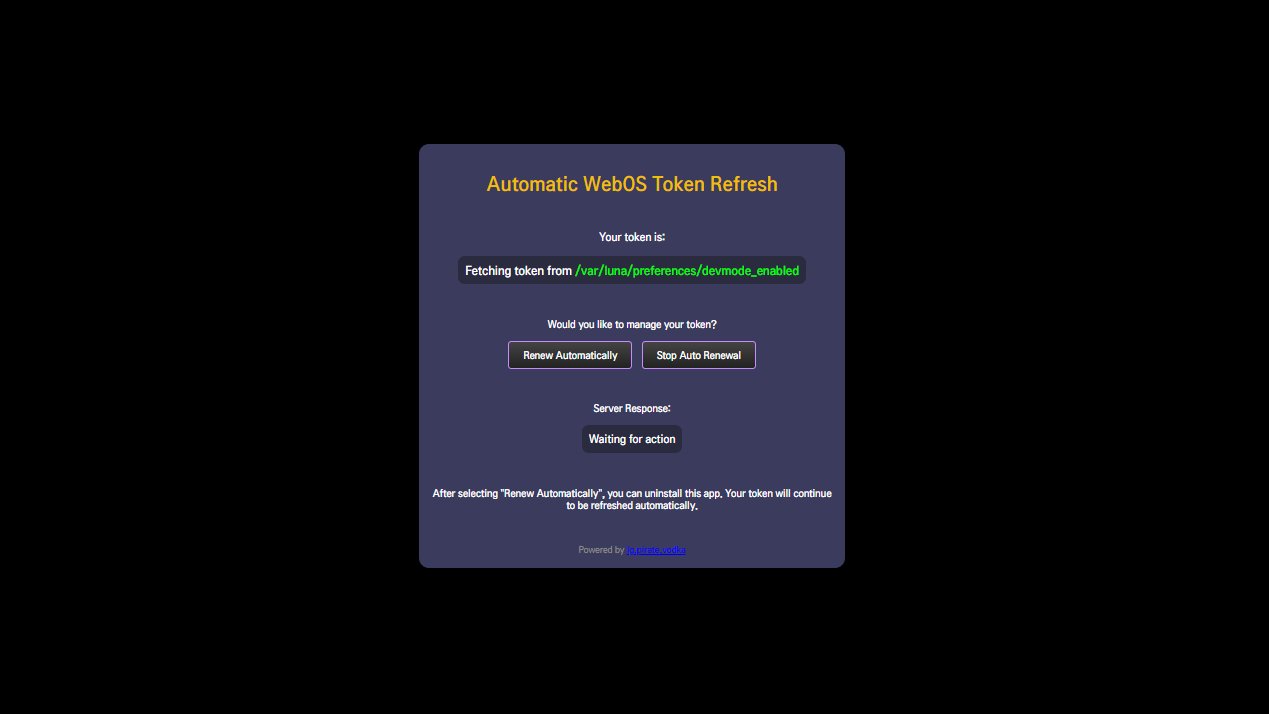

Auto Dev Token Refresh
Verified – v1.0.4 – 109 KB ToolsAutomatically renews your Developer Mode token through the lg.pirate.vodka service, so your sideloaded apps do not disappear when the 50-hour session expires. Tap Renew Automatically once and it keeps your token alive.
Source: github.com
Piccap On/Off Remote
Verified – v0.0.9 – 22 KB ToolsCompanion remote for PicCap: remaps the Movies or Rakuten TV button on your remote to pause and resume PicCap, so you can switch your ambilight on and off without opening the app.
Source: github.com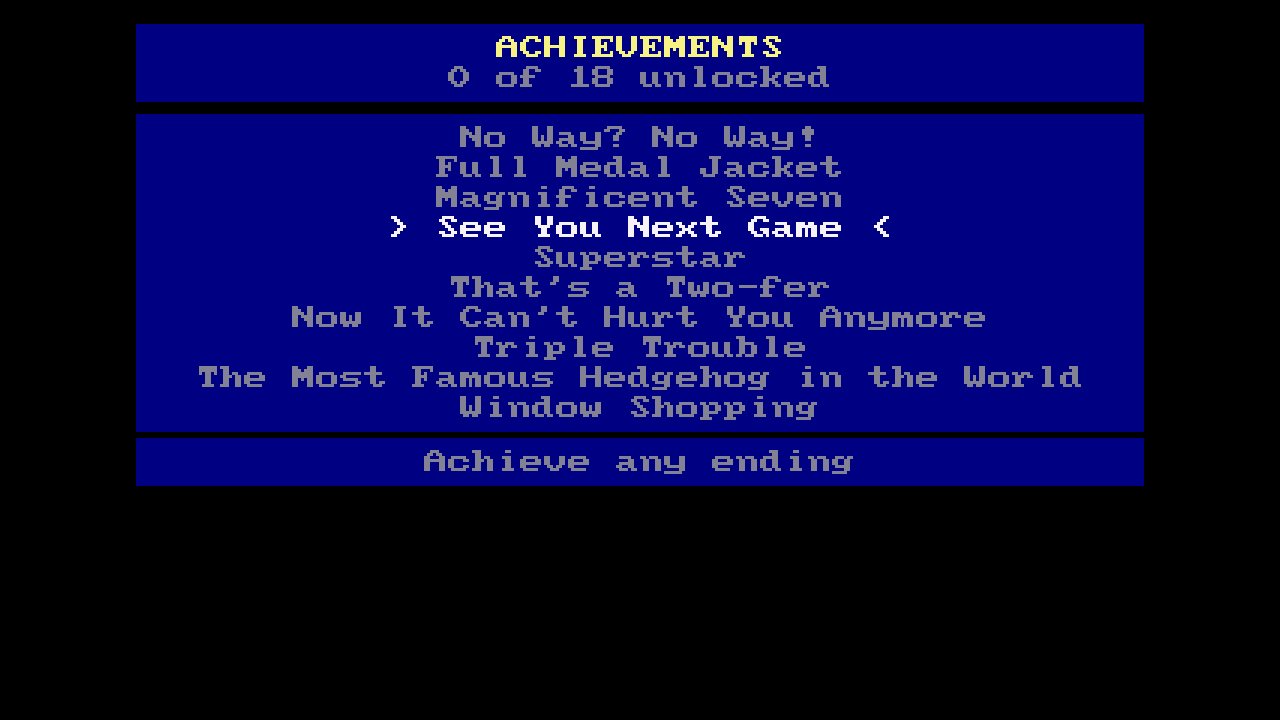

Sonic Mania
Verified – v3.4.1 – 2.6 MB GamesSonic Mania, decompiled and ported to webOS. Run the classic-style Sonic adventure on your TV – bring your own game data files.
Source: github.com
Open Service Menu
Verified – v1.5.1 – 57 KB ToolsOpens the hidden LG service menu from your TV, so you can see the settings LG does not show. Warning: a wrong setting here can brick your TV; change nothing you do not understand.
Source: github.com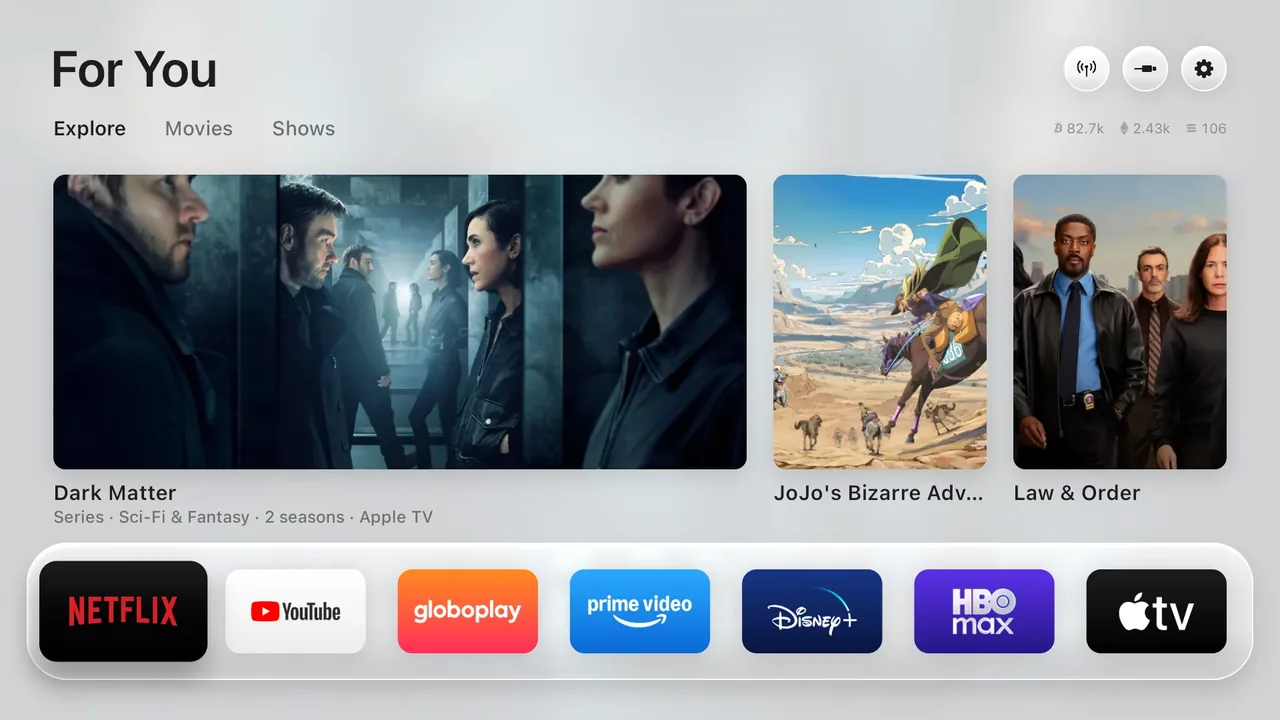

Free My TV
Verified – v1.5.0 – 1.4 MB Launchers NEWA fast, ad-free 60fps home screen for LG webOS TVs – frosted-glass app shelf, live weather and trending picks from your own apps. No ads, no telemetry, open source (MIT).
Source: github.com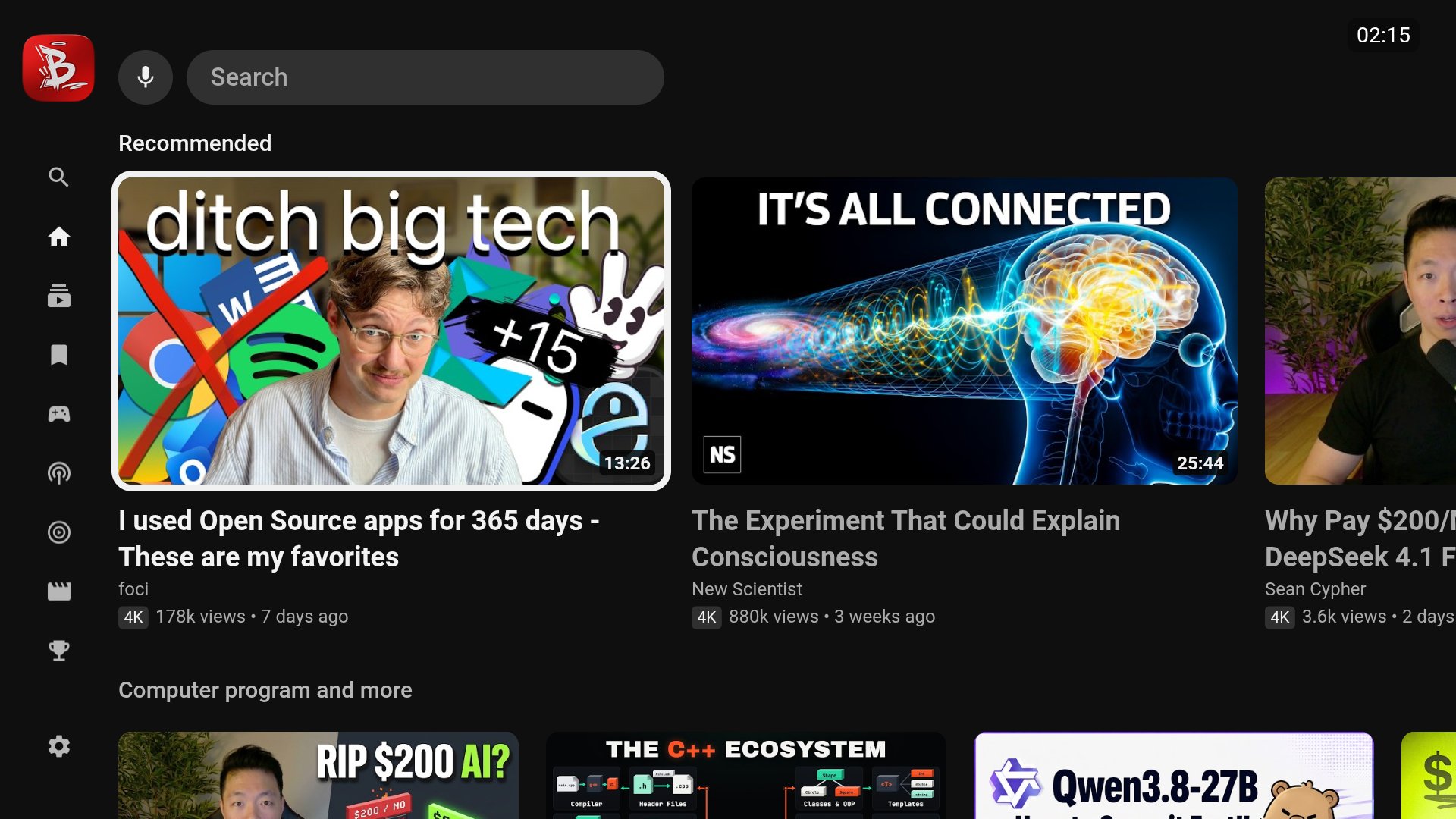

Bolli YouTube
Verified – v0.1.382 – 1.5 MB Streaming NEWA YouTube app for LG webOS TVs. It looks and works like YouTube’s own TV app, but it’s fast on old TVs, has ad block and skips sponsor segments.
Source: github.com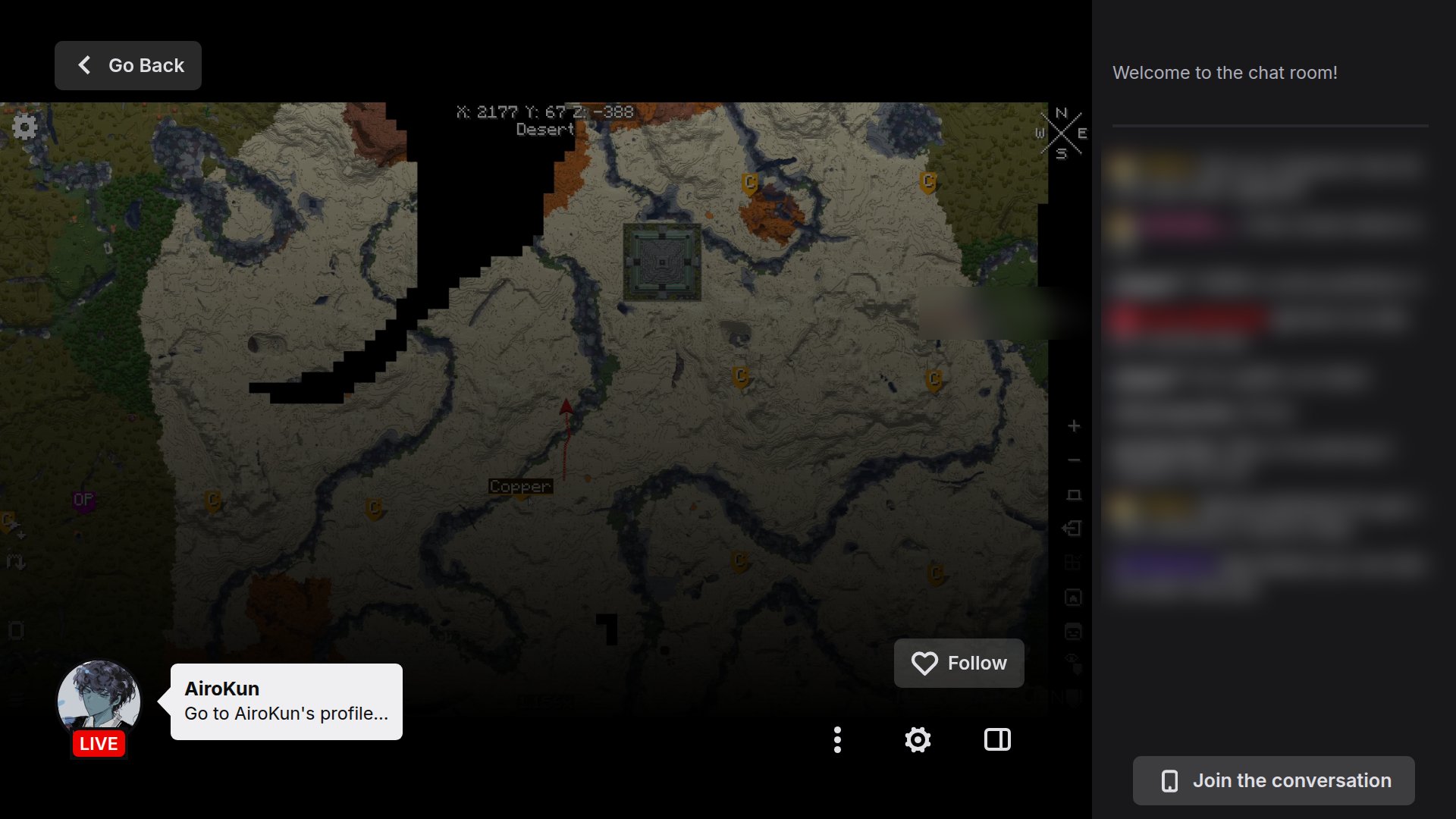

Bolli Twitch
Verified – v0.1.11 – 568 KB Streaming NEWA Twitch app for LG webOS TVs. It looks and works like Twitch’s own TV app, but it’s fast on old TVs and has no ads.
Source: github.com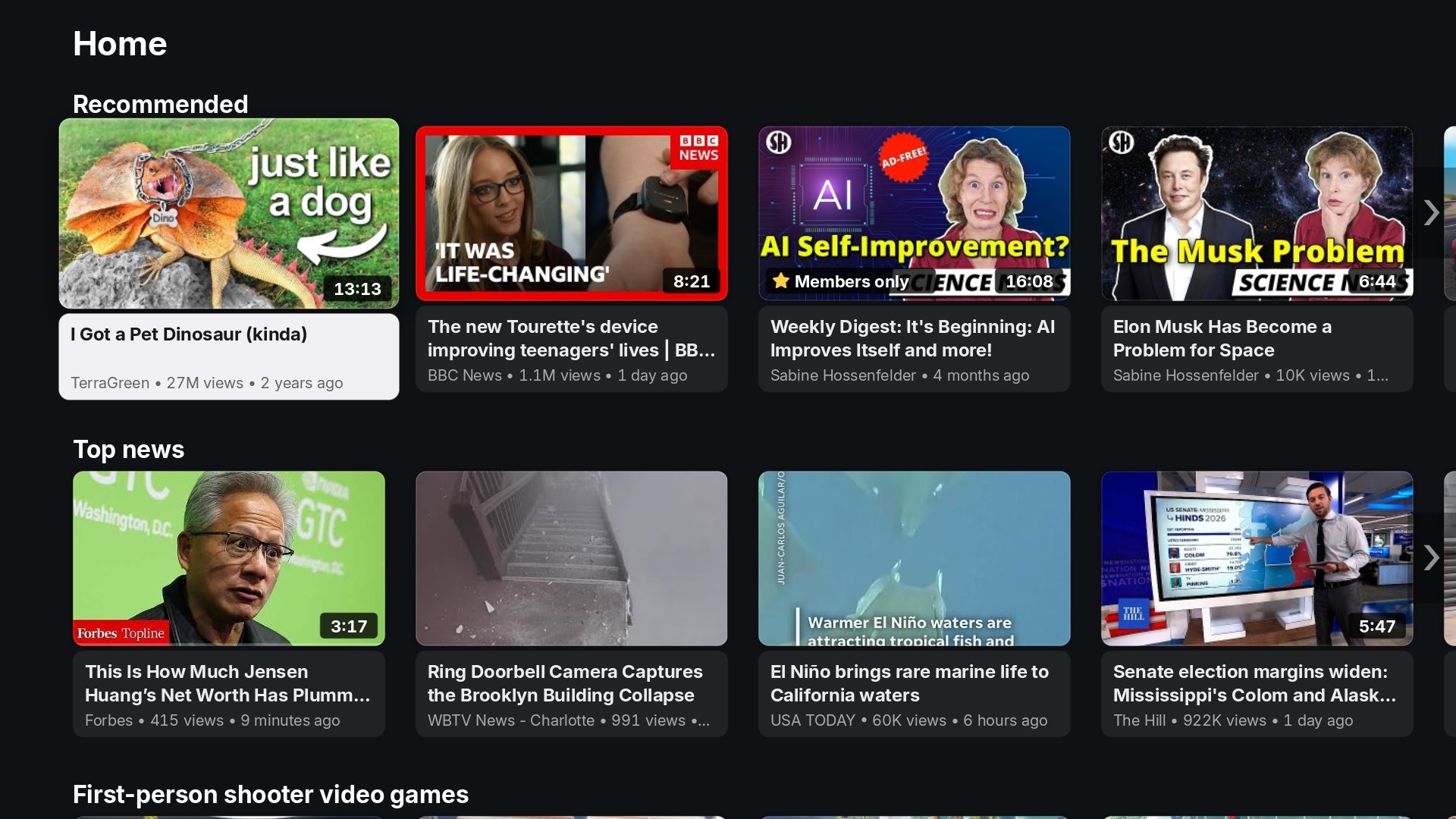

ytnative
Verified – v0.2.50 – 13.0 MB Streaming NEWSmartTube ported to LG webOS: a native (Rust) YouTube client for the TV, without ads.
Source: github.com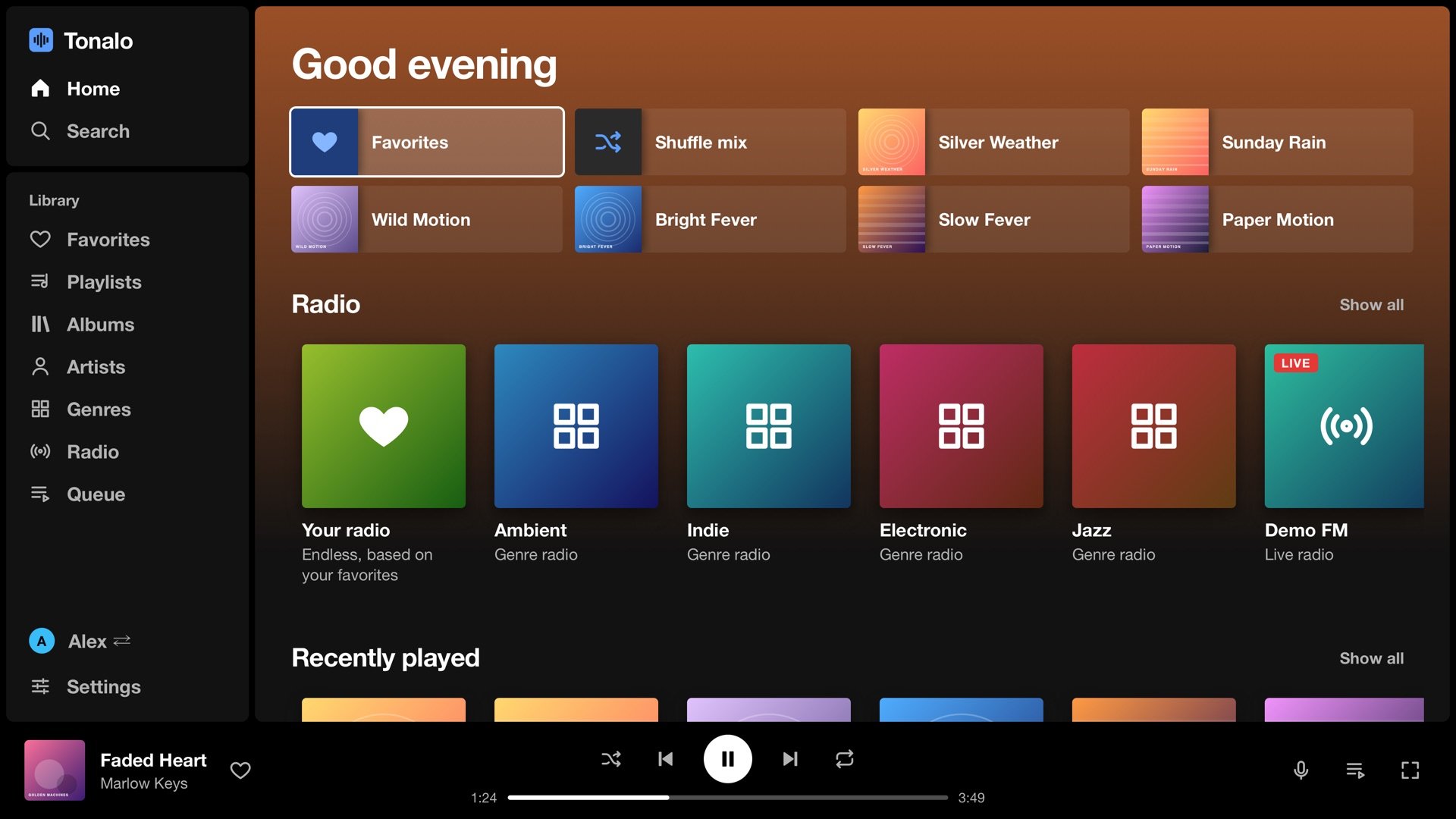

Tonalo
Verified – v1.11.4 – 160 KB Media NEWUnofficial Navidrome/Subsonic client for LG webOS TVs.
Source: github.com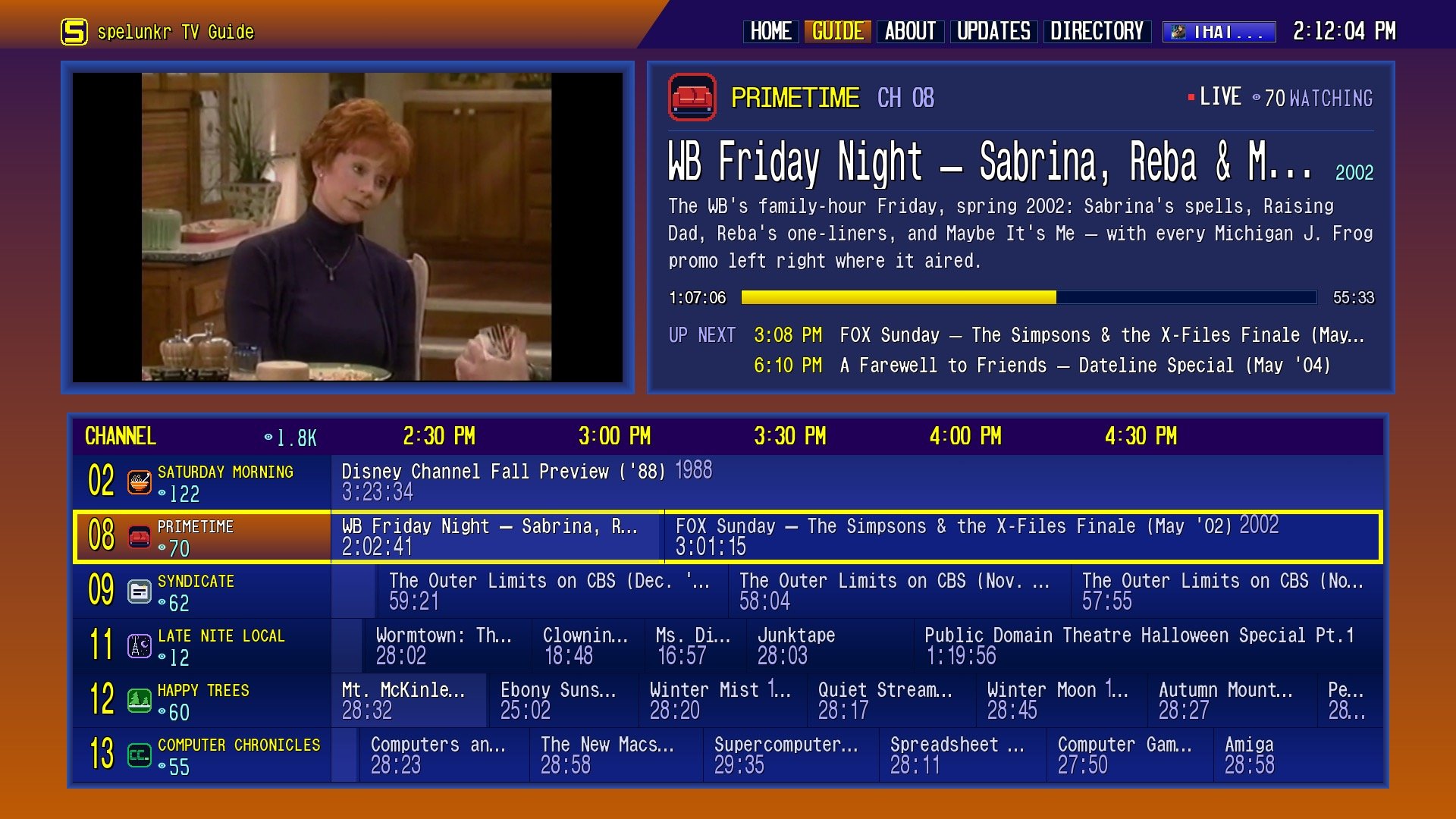

Spelunkr
Verified – v0.3.7 – 335 KB Streaming NEWAn independent Spelunkr TV client for webOS
Source: github.com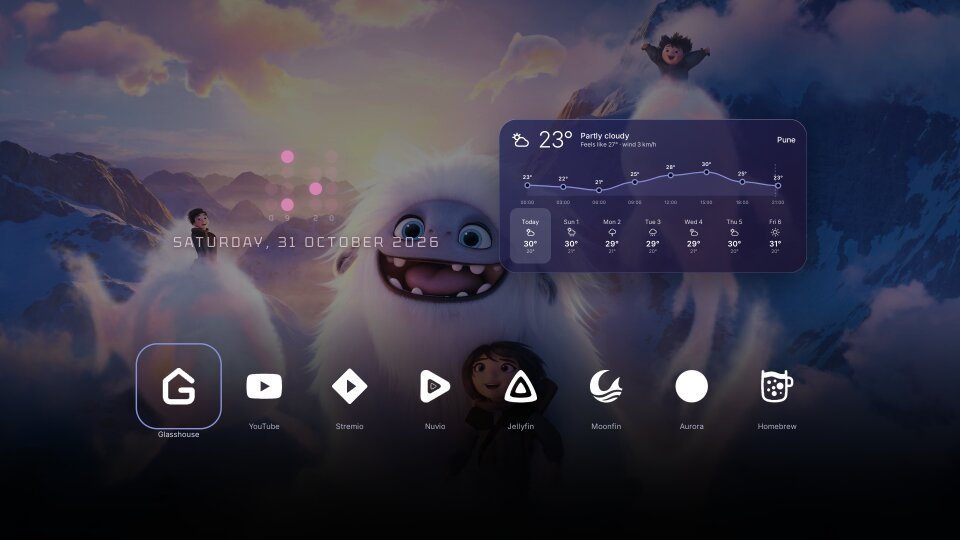
Slopium
Verified – v1.1.0 – 2.1 MB Launchers NEWA calm home screen launcher for LG webOS TVs: clock, weather, apps and inputs, recent apps panel, wallpapers.
Source: github.com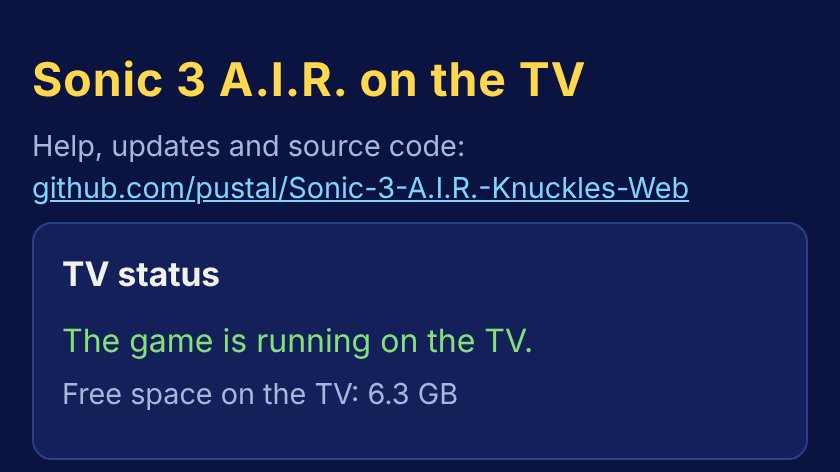

Sonic 3 A.I.R.
Verified – v1.0.2 – 6.8 MB Games NEWSonic 3 – Angel Island Revisited for webOS. Bring your own Sonic 3 and Knuckles ROM.
Source: github.com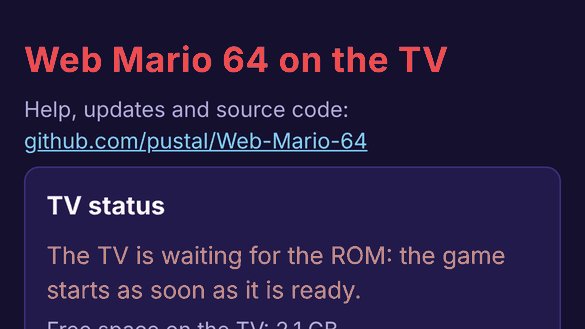

Web Mario 64
Verified – v1.1.3 – 6.4 MB Games NEWSuper Mario 64 (Ghostship, from the decompilation) for webOS. Bring your own ROM.
Source: github.com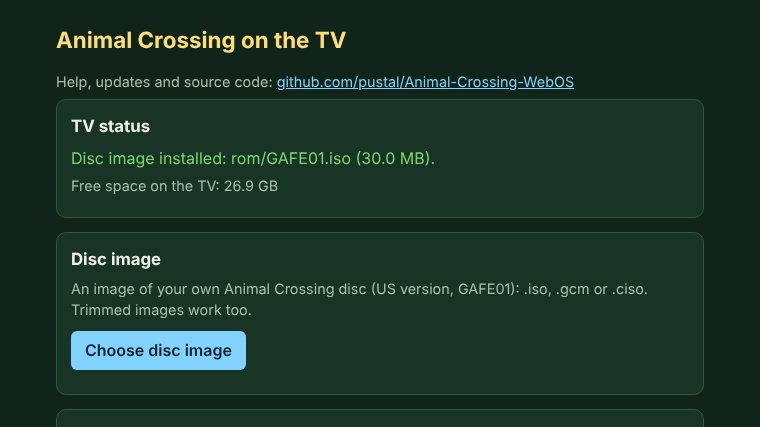

Animal Crossing
Verified – v1.1.0 – 3.6 MB Games NEWNative webOS port of the Animal Crossing (GameCube) decompilation. Bring your own disc image.
Source: github.com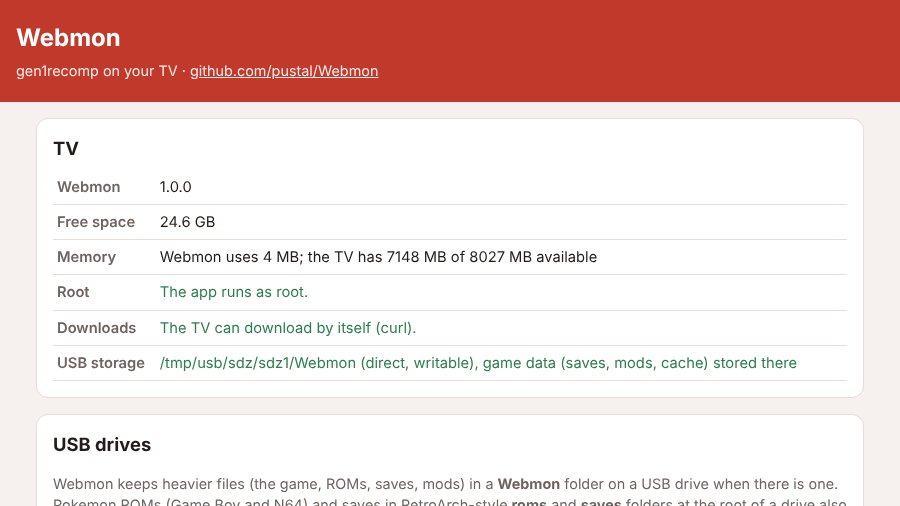

Webmon
Verified – v1.0.0 – 4.1 MB Games NEWRuns gen1recomp (Pokemon Gen 1 Recompilation Project) on webOS. Downloads the game for you; bring your own ROM.
Source: github.com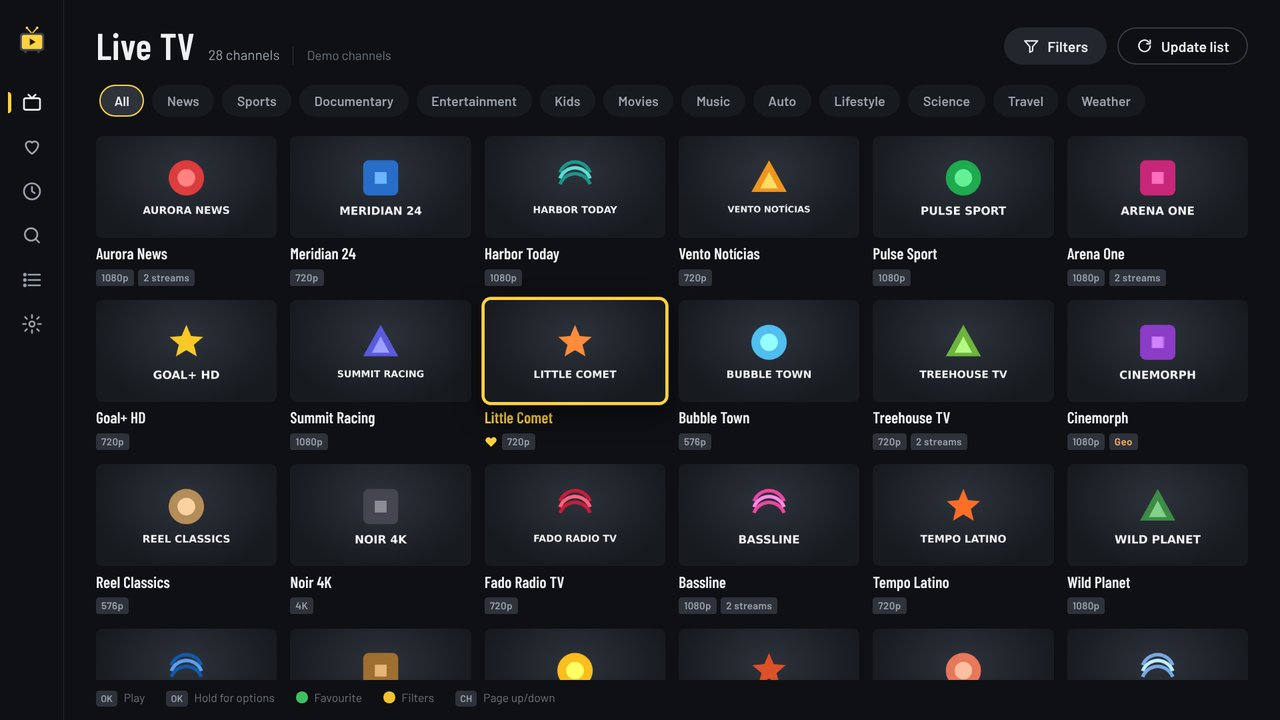

ProsperLGTV
Verified – v1.0.0 – 176 KB Streaming NEWIPTV player for your own M3U playlists, made for the remote.
Source: github.com
Torsher
Verified – v1.8.0 – 194 KB Streaming NEWThe TV app for Torsher, a self-hosted media center you run in one Docker container. The TV app is a small launcher: it remembers your server address and opens the showcase from the server.
Source: github.com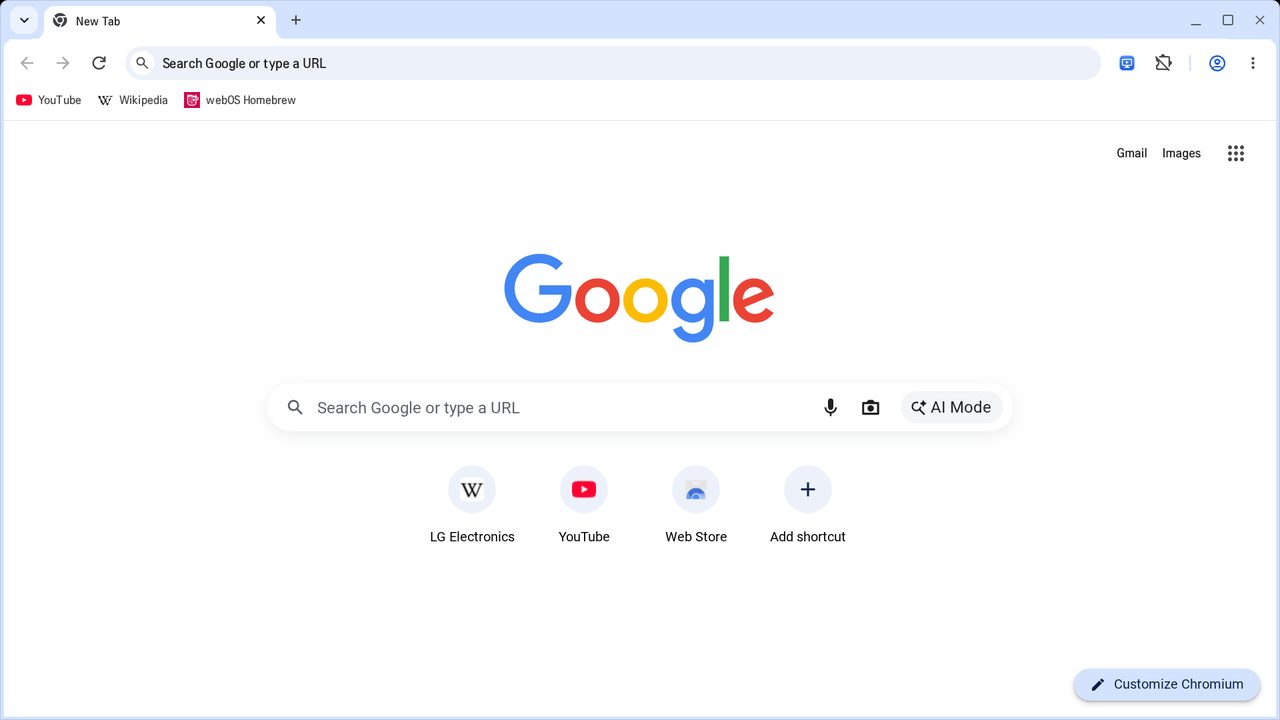

Chromium Browser
Verified – v1.1.0 – 105.3 MB Tools NEWNative Chromium with the full Chrome UI, GPU rendering and hardware video decoding
Source: github.comMore apps are added only after their IPK is checked and downloads. An app with no working IPK does not get listed.
How to install – 4 steps
You are on a TV – start by scanning an app’s QR code with your phone (see On your TV above).
Your TV browser cannot install an IPK by itself. You need LG Developer Mode once, then any IPK installs in seconds. Tick each step off as you do it – your progress is saved on this device.
0 of 4 steps done
No room for another desktop app? LG Dev Manager is the same job in a browser tab: run its small bridge program on your computer (or a NAS), open the page it gives you, and install IPKs, browse the Homebrew repository – including custom feeds like ours – or check your Developer Mode session from there. It is a community project, not LG’s, and it is young: it only does its job while the bridge is running, and it is not signed, so Windows and macOS will both ask before running it. Use it when you cannot or will not install the desktop Dev Manager; the steps above stay the default.
Want a store right on the TV? That needs a rooted TV and the Homebrew Channel – it is in the rooted section. Rooting can void your warranty, and a firmware update can remove root.
On your TV
Your TV browser cannot download files, so the IPK comes to your phone first. It takes three steps:
Scan the QR code
On your TV, open any app in the library and scan the QR code it shows with your phone camera.
Download on your phone
The IPK file downloads on your phone, not on the TV.
Install from your computer
Install the IPK on your TV with webOS Dev Manager, after turning on Developer Mode once. See the install steps below.
Using the Magic Remote
- Scroll with the wheel. Roll the wheel on the remote forward or back to scroll up and down a page – no clicking needed.
- Point, or use the arrows. Shake the remote gently and the pointer appears; press any arrow key and it switches to button-by-button navigation instead.
- Right-click a link. Press and hold the wheel on a link to open the menu – bookmark it, or open it in a new tab.
- Save an app to a number. Open any app, then press and hold a number button from 1 to 8 and confirm – holding that number later opens it straight away. Hold 0 to see or change your shortcuts. (Needs a remote with number buttons; 9 is always Quick Help.)
- Coloured buttons, in the browser. Yellow usually opens a new tab, Green opens your bookmarks, Red stops a page loading, and Blue refreshes it. The exact job can vary by TV model.
- Zoom with a circle. Draw a clockwise circle with the pointer to make the browser bigger, and a counter-clockwise circle to shrink it back.
- Videos look blurry? In the browser settings, check Adaptive Streaming. If it is set to Off, video in the browser is capped at 720p.
These are the remote tricks that matter on this site – the rest of the Magic Remote works the same as on any LG TV.
Add ckorb.com to Homebrew Channel
For rooted TVs. Add the feed URL once in Homebrew Channel Settings, then Add repository. After that you can install and update any of the 67 apps in this library from the TV itself, with no computer. The feed lists only the same verified apps as this site. Homebrew Channel itself is not in this feed – install it from the rooted section first.
Rooted TV only. If your TV is not rooted, use Developer Mode and the install steps below instead.
Share your IPK
Made your own IPK, or found an open-source one that belongs here? Send it to Orb by email. Every submission is reviewed before it appears in the library – no cracked apps, no paid apps, no piracy.
In your email, include:
- App name and version
- What the app does, in one or two sentences
- Your name or handle
- This line: I made this IPK, or I have the right to share it. I agree it will be saved on ckorb.com and shared publicly so others can try it.
Attach the .ipk file to the email. The button below opens your email app with the subject and these details already filled in – just add your app name and attach the file.
Submit an IPK from this page
Sign in to submit an IPK link – or email it instead. Sign in under Your account.
Signed in, you can submit an IPK link here. It goes into the moderation queue and Orb reviews it before it is listed. This form takes a link only – there is no file upload here. If you only have the .ipk file, use the email flow above instead.
Requested apps
Apps visitors have asked for, and what happened to each request. Your name is never shown here. Ask for an app above.
No requests yet – be the first to ask for an app. Ask for an app
Your account
Sign in with Google, or get a sign-in link by email. Signing in is optional – you can browse and download without an account. Signed in, your favourites, downloads and checklist progress follow you across devices. Signed out, they are saved on this device only.
Support Orb
This library is free and stays free. If it helped you, a donation keeps it running.
Owner of ckorb.com – Algeria
Donations go by BaridiMob: copy the number above and send your donation from the BaridiMob app. Questions? Reach Orb through the contact page.
Binance Pay ID: 421790614 (Bamodjaks) – send with Binance Pay in the Binance app.
Payoneer: bamodjak@gmail.com – send with Payoneer to this email.
Screenshots are the apps’ own published images.
Orb IPK Library – ckorb.com – Homebrew only. Install at your own risk.
An IPK is a program – it can do anything on a TV. Only install apps from makers you trust.
Not affiliated with LG, webOS, or any app listed here.
Privacy – Terms
